
Small-batch 3D printing costs are calculated from material, machine time (energy and amortized wear), and labor or post-processing, plus a failure buffer and a markup. At low quantities, machine hours and hands-on labor usually outweigh the filament itself. Treat the formula below as a rule of thumb, then follow the worked example to see the arithmetic.
TL;DR:
- A $1,200 printer spread across 3,000 usable hours costs $0.40 per hour, or $2.00 for a print lasting five hours, before other costs.
- Academic print labs report setup fees from $60 to over $150 per project, while professional quotes vary with file preparation, calibration, geometry, and finishing.
- Savings per piece become less pronounced after six to seven pieces per lot; the printing versus tooling crossover still depends on geometry.
- Request a test print and a quote based on your file for engineering materials, tight fits, or complex geometry; simple parts can be estimated independently.
Table of Contents
- 1. What goes into the cost of a small 3D-printed batch?
- 2. How do you calculate per-part cost, step by step?
- 3. Why do professional quotes differ from per-gram estimates?
- 4. When does small-batch printing beat tooling?
- 5. How can you lower per-part cost without hurting performance?
- 6. How do we quote small-batch jobs at CC 3D Labs?
- Should you estimate yourself or get a pro quote?
- Ready for a reliable small-batch quote?
- FAQ
- Sources
1. What goes into the cost of a small 3D-printed batch?
A per-part number only makes sense when you know what sits inside it. These are the components we measure on every job:
- Material: grams used × spool price ÷ spool grams. Engineering filaments such as carbon-fiber nylon cost more per gram and often need drying and careful handling.
- Electricity: printer wattage × print hours ÷ 1,000 × your retail rate per kWh. U.S. retail electricity prices vary by region and sector, and are commonly in the low-to-mid-teens cents per kWh, so check your own utility bill.
- Machine amortization: the printer’s purchase price spread over its expected usable hours, plus maintenance. A published FDM cost-model framework splits direct costs into material, labor, machine acquisition and amortization, maintenance, and energy.
- Labor and post-processing: file prep, slicing, support removal, smoothing, assembly, and inspection. These are billed as time, not weight.
- Failure buffer: a percentage added for scrap and reprints. Professional quotes carry this buffer instead of billing strictly per gram.
Notice what the list implies. Filament is only one line, and for small runs it is rarely the largest one. Setup and handling costs get spread over only a few parts, so each part carries a bigger share of them.
2. How do you calculate per-part cost, step by step?
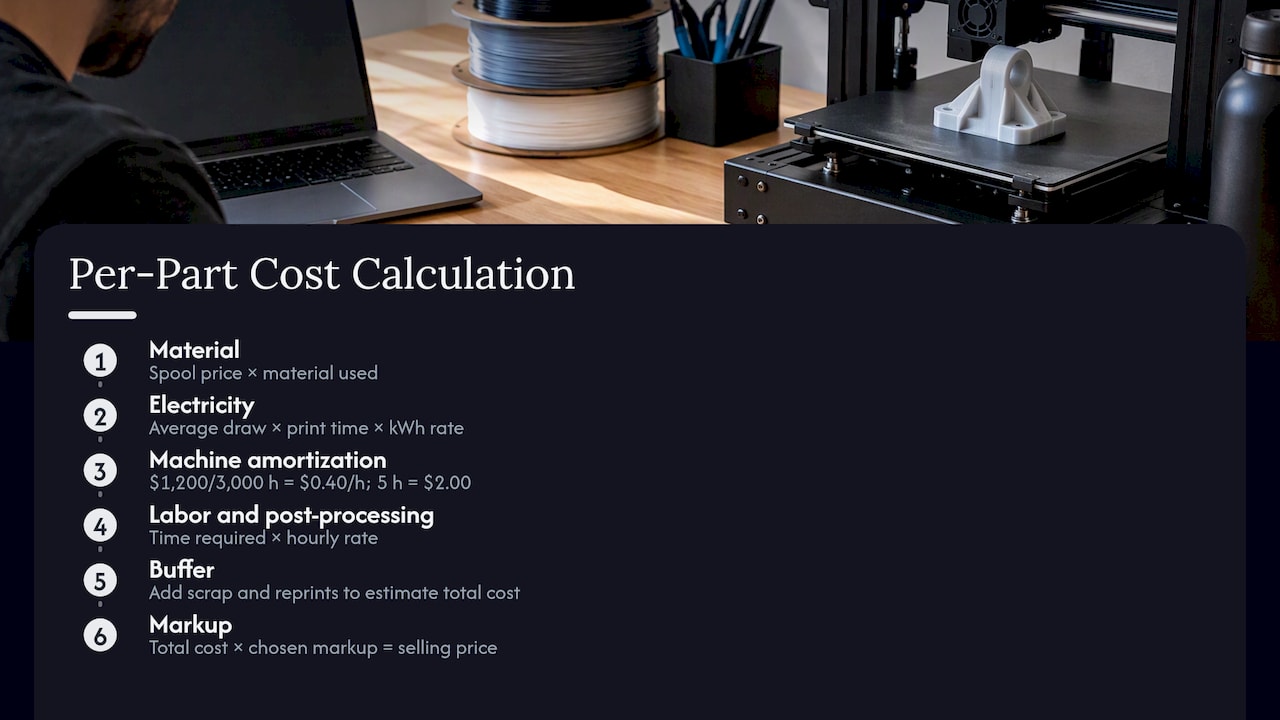
Here is the compact version: material + energy + machine amortization + labor/post-processing + buffer = total cost. Sell price = total cost × markup.
Take an illustrative part, with every input labeled as an assumption rather than market data. Its weight and print time will depend on the actual model.
Material: calculate the cost from the spool price and the material used for the part.
Electricity: estimate energy use from the printer’s average draw and print time, then multiply by your retail rate per kWh.
3. Machine amortization: a $1,200 printer over 3,000 usable hours is $0.40 per hour, so 5 hours costs $2.00.
Labor and post-processing: estimate the time required and multiply it by your hourly rate.
Buffer: add an allowance for scrap and reprints to the subtotal to estimate the total cost.
Markup: apply your chosen markup to the total cost to calculate a selling price.
Now look at sensitivity. Electricity and labor contribute different amounts depending on the job. Longer print times increase amortization, while additional hands-on time can also substantially increase cost. This is why simple per-gram calculators undershoot real small-batch pricing: they capture material and sometimes energy, then stop.
3. Why do professional quotes differ from per-gram estimates?
A per-gram figure assumes every gram costs the same to turn into a usable part. Real jobs don’t work that way. Here is what a professional quote accounts for:
- Geometry, tolerances, and supports: complex shapes and tight fits raise labor and the risk of rework.
- Specialty filaments and multi-material setups: these add handling and machine preparation time.
- Post-processing: assembly, inspection, and finishing are labor-intensive and often dominate per-part cost in small runs.
- Test prints: shops commonly validate assumptions on a real print before committing to a final price.
UC Davis’s Tech Foundry notes that professional services often quote per project instead of offering flat-rate pricing, because file preparation, machine calibration, and post-processing all vary. It also reports academic print labs with base setup fees ranging from $60 to over $150 per project. That range shows how heavily overhead can weigh against raw material. A quote built on your actual file is simply more reliable than a spreadsheet built on averages.
4. When does small-batch printing beat tooling?
Break-even is the point where cumulative per-part cost of printing equals tooling cost spread across units. Printing has a nearly flat per-part cost. Tooling has a large upfront cost that shrinks per unit as quantity grows.
- Research direction: NIST’s cost-effectiveness analysis finds that machine and material costs often dominate additive unit cost, and that break-even volumes versus traditional methods vary widely by process and geometry. Additive is typically favorable at lower volumes.
- Batch behavior: a published low-to-medium batch cost model found per-piece cost falling as batch size grows, with savings becoming less significant after six to seven pieces per lot.
- Illustration: tooling adds an upfront cost that is spread across the parts produced. The crossover depends on the tooled part’s own unit cost, which varies by geometry.
The takeaway: low quantities, changing designs, and complex geometry favor printing. High, stable volumes favor tooling.
5. How can you lower per-part cost without hurting performance?
Most savings come from machine time and labor, not filament:
- Batch builds: run multiple parts on one plate to spread setup and amortized machine time. A print-batching guide from a commercial printer covers the same utilization logic for other print processes.
- Orient for fewer supports: less support material means less cleanup labor.
- Pick the cheapest adequate material: save carbon-fiber nylon for parts that truly need it.
- Consolidate assemblies: fewer parts means less handling and inspection.
- Nest multiple SKUs: ask your vendor to combine different parts on one tray.
Pro Tip: Cut part count and supports first. Both reduce labor, which is the biggest line in most small-batch quotes.
For more tactics, see our guides on cutting 3D printing costs and low-volume manufacturing.
6. How do we quote small-batch jobs at CC 3D Labs?
Here is what to expect when you send us a job:
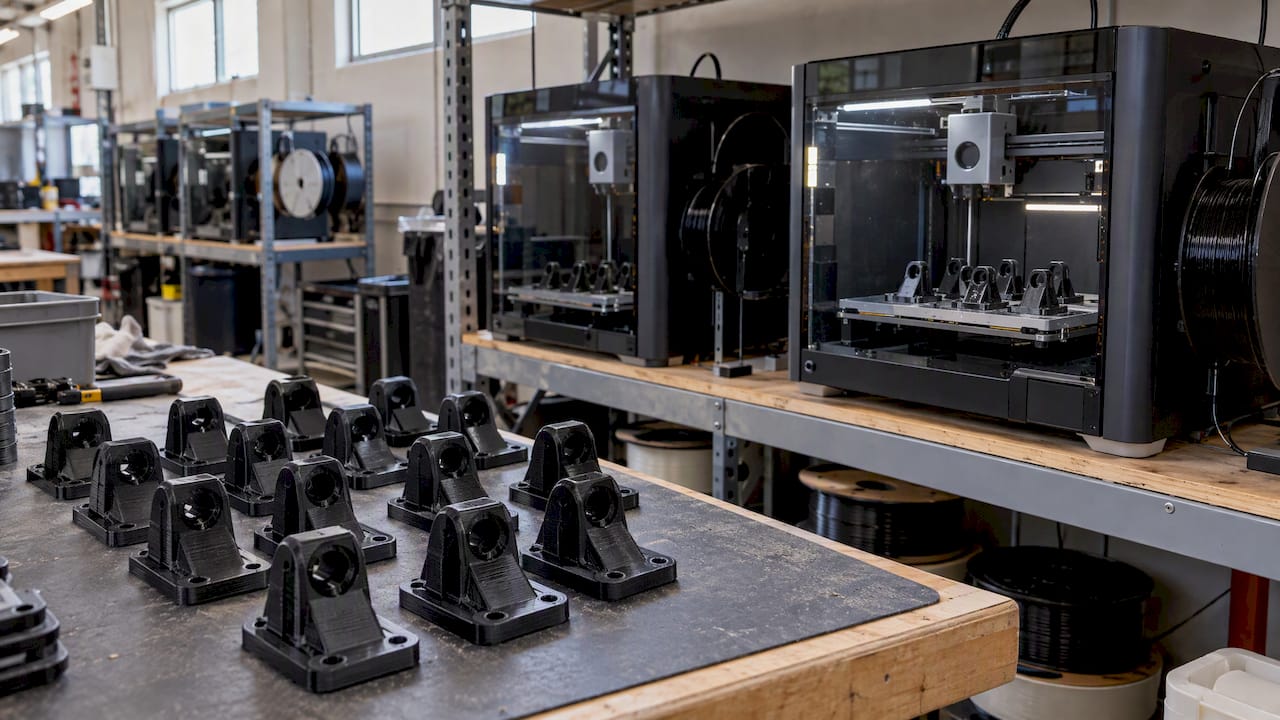
- We run a production farm of Bambu Lab FDM printers in PLA, PETG, ABS, ASA, PC, and carbon-fiber nylon, with multi-color printing available.
- We quote every job individually after a test print of your actual model, so geometry, supports, and post-processing are priced correctly. We publish no flat rates.
- We also offer professional handheld 3D scanning (accuracy to ~0.1 mm) and CAD modeling for reverse engineering and manufacturability checks.
- Send STL or STEP files, your preferred material and finish, intended quantity, and any critical tolerances. Our custom quote guide walks through the details.
Should you estimate yourself or get a pro quote?
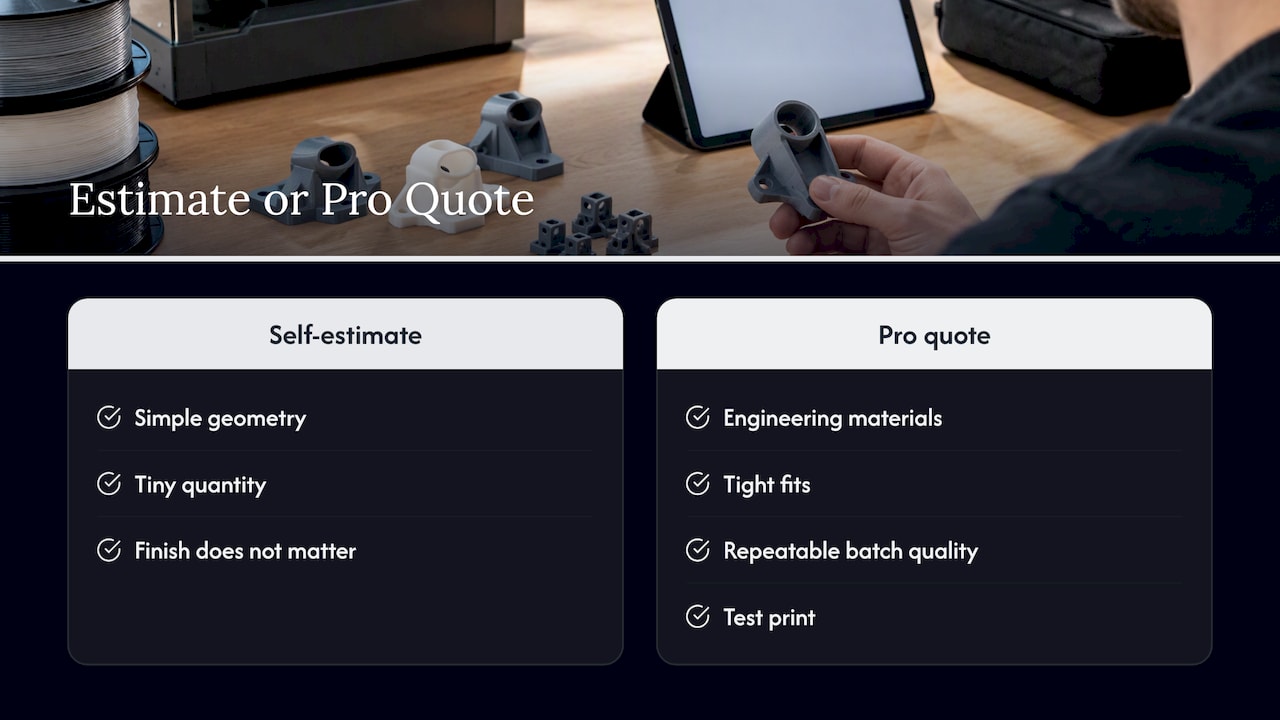
My checklist is short. Need engineering materials, tight fits, or repeatable quality across a batch? Get a professional quote and a test print. Simple geometry, tiny quantity, finish doesn’t matter? A self-estimate is a fine starting point. For most product-development work, a short test print from a pro costs less than a wrong assumption, and it turns your estimate into a price you can plan around.
Ready for a reliable small-batch quote?
If you want a number built on your actual file instead of a spreadsheet guess, send us the details and we will schedule a test print.
- Review our services overview to see what we print, scan, and model.
- Include files, material, quantity, and tolerances in our online quote form, and we will take it from there.
FAQ
How much is one 3D print?
It depends on material, print time, and labor, not weight alone. In our worked example, machine and material costs are the main drivers NIST highlights, and hands-on time adds to them. We quote each part individually after a test print.
How much to charge for 3D-printed items?
Add up material, energy, machine wear, labor, and a failure buffer, then apply a markup. Labor and post-processing often make up the largest share for small runs, so price your time honestly.
Does batch size change the per-part price?
Yes. Setup and handling spread across more parts, so per-part cost drops as batches grow. A published FDM cost model found the savings become less significant after six to seven pieces per lot.
Why do shops charge setup fees?
Setup covers file preparation, calibration, and cleanup that don’t scale with part weight. Tech Foundry reports academic labs with setup fees from $60 to over $150 per project.
Sources
- FDM 3D Printing | Tech Foundry
- Cost Model Framework for Pieces Additively Manufactured in Fused Deposition Modeling for Low to Medium Batches – PMC
- Costs and Cost Effectiveness of Additive Manufacturing
- Electric Power Monthly – U.S. Energy Information Administration (EIA)