
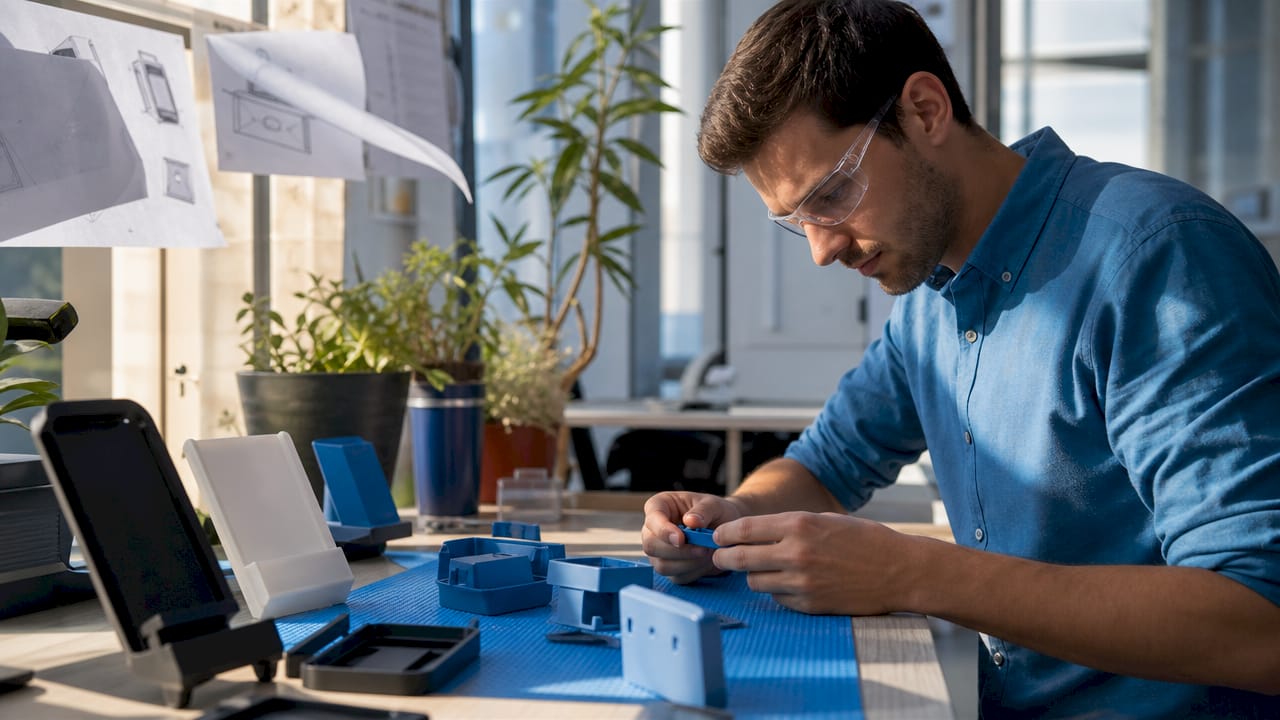
TL;DR:
- Point-of-sale 3D printed components include displays, tactile input modules, protective enclosures, and immersive display assemblies. These parts are customizable, cost-effective for small batches, and improve retail functionality and customer engagement. Proper material selection and design testing are essential to ensure durability and long-term performance.
Types of point-of-sale 3D printed components are specialized hardware elements designed to improve retail system function and customer engagement through custom manufacturing. The industry term for this category is “additive-manufactured POS hardware,” though the practical shorthand used across retail and manufacturing circles is “3D printed POS hardware.” These components span electromechanical displays, tactile input modules, protective enclosures, and immersive display assemblies. Techniques like 6-axis robotic conformal printing and multi-material filament deposition now make it possible to produce parts that were previously impossible or prohibitively expensive to fabricate at small scale.
1. What are the types of point-of-sale 3D printed components?
The core categories of 3D printed POS hardware break down by function: display components, tactile and input hardware, structural and protective parts, and immersive display assemblies. Each category serves a distinct operational role. Choosing the wrong category for a given need wastes budget and creates maintenance problems. Understanding each type before committing to production is the most direct path to a functional, cost-effective POS upgrade.
- Electromechanical display components: Split-flap panels, seven-segment modules, and embedded-circuit display frames
- Tactile and input hardware: Custom keypads, card reader mounts, ergonomic housings, and physical button arrays
- Structural and protective parts: Enclosures, brackets, covers, and cable management frames
- Immersive display assemblies: Glasses-free stereoscopic frames, light-field display mounts, and holographic projection housings
Each category requires different materials, printing processes, and post-processing steps. The sections below cover each in depth.
2. Electromechanical 3D printed display components
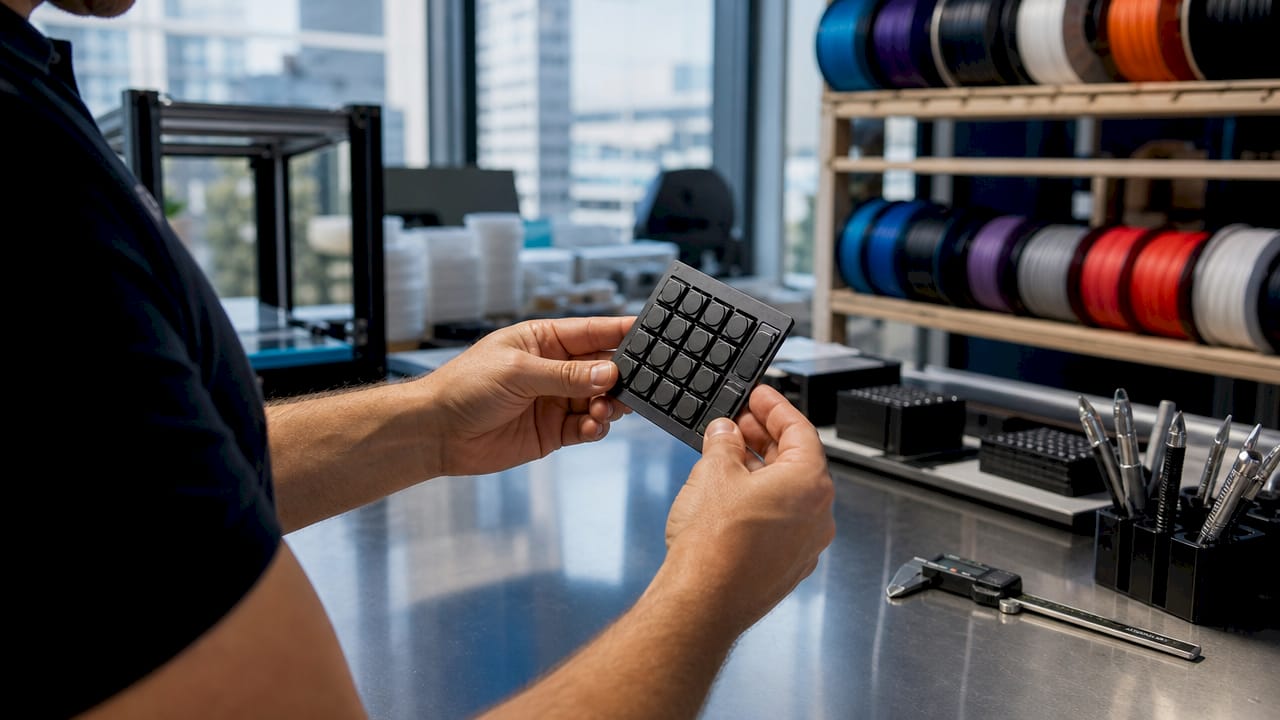
Electromechanical displays are the most technically demanding category of 3D printed POS hardware. Split-flap displays consume electricity only during state changes, making them highly energy-efficient for retail environments where displays run continuously. That efficiency translates directly to lower operating costs over a multi-year deployment.
Suction-driven seven-segment displays use vacuum-actuated membranes to flip segments, but achieving an airtight seal in a 3D printed body requires multiple fasteners and specialized post-processing. The sealing challenge is the primary maintenance risk in this category. Businesses that deploy these displays should plan for periodic seal inspection as part of routine POS maintenance.
Robotic arm-assisted conformal printing using 6-DOF arms expands the printable workspace, allowing circuitry to be embedded directly onto curved or nonplanar surfaces. This reduces assembly complexity and enables multilayer electronic displays that integrate directly into a POS terminal body. The result is a display that looks built-in rather than bolted on.
Pros of electromechanical 3D printed displays:
- Low power draw during static display states
- High tactile novelty that draws customer attention
- Fully customizable character sets and segment layouts
- Printable in small batches without tooling costs
Cons to plan for:
- Mechanical parts wear over time and require replacement
- Pneumatic sealing demands precise assembly
- Motor positioning tolerances must be tight to avoid misalignment
Pro Tip: When designing split-flap modules, specify motor shaft tolerances to within 0.1mm in your CAD file. Loose tolerances cause character misalignment under repeated cycling, which is the leading cause of field failures in this component type.
3. How 3D printed tactile and functional hardware improves POS usability
Tactile hardware is the category most businesses encounter first when exploring 3D printing for retail systems. Custom keypads, card reader mounts, and physical button arrays can be sized, textured, and laid out to match a specific workflow. A keypad designed for a high-volume quick-service counter looks and feels different from one designed for a jewelry boutique checkout.
Rapid prototyping and iterative design reduce development time and allow tailored customer interaction points. A business can print three keypad layouts on a Tuesday, test them with staff on Wednesday, and have a final design in production by Friday. That cycle is impossible with injection molding.
Material selection directly affects durability and feel. Common materials include standard PLA for low-wear prototypes, PETG for moderate-impact parts, and nylon or TPU for high-use tactile surfaces that need flex and grip. Multi-material printing allows a single keypad to combine a rigid structural base with a soft-touch button surface.
Key tactile hardware applications:
- Custom-sized keypads for non-standard POS layouts
- Card reader mounts that angle the reader toward the customer
- Ergonomic stylus holders and signature pad frames
- Physical button guards that prevent accidental input
- Cable routing clips integrated into the terminal housing
4. What role do protective and structural 3D printed components play in POS systems?
Protective components are the unsung category of custom POS components. They do not interact with customers directly, but they determine whether expensive POS electronics survive a busy retail environment. A custom-fit enclosure for a proprietary payment terminal protects against spills, drops, and dust without requiring the retailer to buy a new device when the original housing cracks.
Manufacturing-grade 3D printing processes improve mechanical properties and dimensional accuracy needed for POS devices operating under high-use conditions. Parts printed to manufacturing-grade standards hold tighter tolerances and resist deformation under sustained load. That matters for brackets and mounts that carry the weight of a display or scanner all day.
Material choices for protective parts prioritize impact resistance, heat dissipation, and aesthetic finish. ASA and ABS handle UV exposure and moderate heat better than PLA, making them the right choice for terminals near windows or under heat lamps. Carbon-fiber-filled filaments add stiffness without significant weight gain, which is useful for wall-mounted display brackets.
Pro Tip: For enclosures that house electronics generating heat, design ventilation channels directly into the CAD model rather than adding them as afterthoughts. Channels integrated into the print geometry are stronger and more consistent than drilled holes added post-print.
Structural component types by function:
- Enclosures: Full or partial housings for tablets, card readers, and receipt printers
- Brackets and mounts: Wall, counter, and pole mounts for displays and scanners
- Cable management frames: Clips, channels, and routing guides that keep wiring organized
- Protective covers: Dust and splash guards for ports and screens during non-business hours
5. Which advanced 3D printed display technologies are emerging for immersive POS?
Glasses-free stereoscopic displays create immersive multi-user 3D experiences at POS without auxiliary devices, which changes how retailers can present products at the point of sale. A customer standing in front of a light-field display sees a floating 3D product image without wearing anything. That level of engagement is not achievable with a standard flat screen.
The physical frames, mounts, and housings for these displays are where 3D printing enters the picture. Holographic projection housings require precise optical alignment, and custom-printed frames hold lenses and mirrors at exact angles that off-the-shelf enclosures cannot match. 3D printing makes small-batch production of these specialized frames economically viable.
| Display type | Principle | POS advantage | Key challenge |
|---|---|---|---|
| Holographic 3D | Laser interference patterns | High visual impact, no glasses needed | High production cost |
| Optical illusion stereoscopic | Lenticular lens arrays | Works at distance, multi-user | Limited viewing angle |
| Floating 3D (Pepper’s Ghost) | Angled mirror reflection | Low cost, high drama | Requires dark surround |
| Light-field 3D | Dense pixel arrays | True depth perception | High compute demand |
Adoption of glasses-free 3D display technologies is set to redefine retail exhibition by enabling multi-user immersive experiences without glasses or headsets. The physical infrastructure for these displays, including printed mounts and alignment frames, is already within reach for businesses working with a capable 3D printing provider.
6. How to choose the right type of 3D printed POS component for your business
The right component type depends on three factors: customer-facing versus back-of-house function, expected daily use volume, and budget for ongoing maintenance. A high-traffic grocery checkout needs impact-resistant structural parts above all else. A boutique retailer benefits more from a visually striking electromechanical display or a custom tactile keypad.
On-demand 3D printing reduces inventory stockpiling by enabling replacement part production when needed. Businesses that maintain a digital file library of their printed components can reorder a cracked enclosure or worn keypad within days, not weeks. That operational advantage compounds over time.
Decision framework by business type:
- High-volume retail (grocery, pharmacy): Prioritize structural enclosures and durable tactile hardware in PETG or nylon
- Boutique or experiential retail: Invest in electromechanical displays or immersive display frames for customer engagement
- Food service: Focus on splash-resistant enclosures with integrated cable management
- Exhibition or pop-up retail: Use lightweight printed mounts for glasses-free displays and modular structural frames
Production considerations matter as much as design. Filament-based FDM printing suits structural and tactile parts. Resin-based SLA printing delivers the surface finish needed for optical components in display housings. Turnaround time for a single custom part runs from one to three business days at a professional print shop, while batch orders of 20 or more units typically require five to ten business days depending on complexity.
Key takeaways
The most effective 3D printed POS hardware strategy combines electromechanical displays for engagement, durable tactile modules for usability, and precision-fit structural parts for long-term reliability.
| Point | Details |
|---|---|
| Match component type to function | Electromechanical displays drive engagement; structural parts protect electronics. |
| Material choice determines lifespan | PETG and nylon outperform PLA in high-use POS environments. |
| On-demand printing cuts downtime | Digital file libraries let businesses reorder replacement parts within days. |
| Tolerances define performance | Motor and seal tolerances under 0.1mm prevent the most common field failures. |
| Immersive displays need custom frames | Glasses-free 3D displays require precision-printed mounts to maintain optical alignment. |
What I’ve learned from watching businesses get POS hardware wrong
Most businesses that struggle with 3D printed POS components make the same mistake: they treat the print as the finished product. A printed enclosure that fits perfectly on day one can warp, crack, or loosen within six months if the material was chosen for cost rather than environment. I’ve seen PETG enclosures near heat lamps soften and deform, and PLA keypads crack under the pressure of a busy lunch rush.
The businesses that get it right treat the first print as a prototype, even when they intend to deploy it immediately. They test it under real conditions for two weeks, note every failure point, and then revise the CAD file before ordering a full batch. That two-week investment prevents months of field problems.
Precision matters more than most buyers expect. The difference between a split-flap display that runs reliably for two years and one that jams after three months is often a 0.2mm tolerance error in the motor mount. Working with a provider that holds manufacturing-grade tolerances is not a premium option. It is the baseline requirement for any electromechanical component.
My strongest advice: do not separate the design phase from the production phase. The best outcomes come from working with a 3D printing provider that can give feedback on your CAD file before printing starts. A provider that only takes files and prints them will miss problems that an experienced eye catches in five minutes.
— Justin
Cc3dlabs custom 3D printed POS components
Businesses that need custom POS hardware built to real operational standards work with Cc3dlabs, a professional 3D printing service near Philadelphia specializing in filament-based printing, multi-material production, and professional handheld 3D scanning (accuracy to ~0.1 mm).

Cc3dlabs produces functional POS parts from prototypes to production batches, including electromechanical display frames, ergonomic tactile modules, and impact-resistant enclosures. Their custom 3D printing services cover material selection, CAD review, and quality inspection before any part ships. For businesses that need to scan an existing terminal before designing a custom enclosure, Cc3dlabs also offers 3D scanning to capture exact geometry. Request a free estimate directly on their website, with options for local pickup near Philadelphia or shipping anywhere in the country.
FAQ
What are the main types of 3D printed POS components?
The main types are electromechanical display components, tactile and input hardware, structural and protective enclosures, and immersive display frames. Each type serves a distinct function in a point-of-sale system.
Are 3D printed POS components durable enough for daily retail use?
Yes, when printed in the right material. PETG, nylon, and ASA filaments produce parts that withstand high-use retail environments, while PLA is better suited for prototyping than long-term deployment.
How long does it take to produce a custom POS component?
A single custom part typically takes one to three business days at a professional print shop — industry-typical ranges; CC 3D Labs confirms actual turnaround with your quote, after a test print of the part. Batch orders of 20 or more units generally require five to ten business days depending on complexity and material.
What is a split-flap display and why is it used at POS?
A split-flap display is an electromechanical panel that flips printed segments to show characters or numbers. It draws power only during state changes, making it energy-efficient and visually distinctive for customer-facing retail applications.
Can 3D printing replace injection molding for POS hardware?
3D printing is the better choice for custom, low-to-medium volume POS components because it eliminates tooling costs and supports rapid design iteration. Injection molding remains more cost-effective only at very high volumes where per-unit cost matters more than design flexibility.