
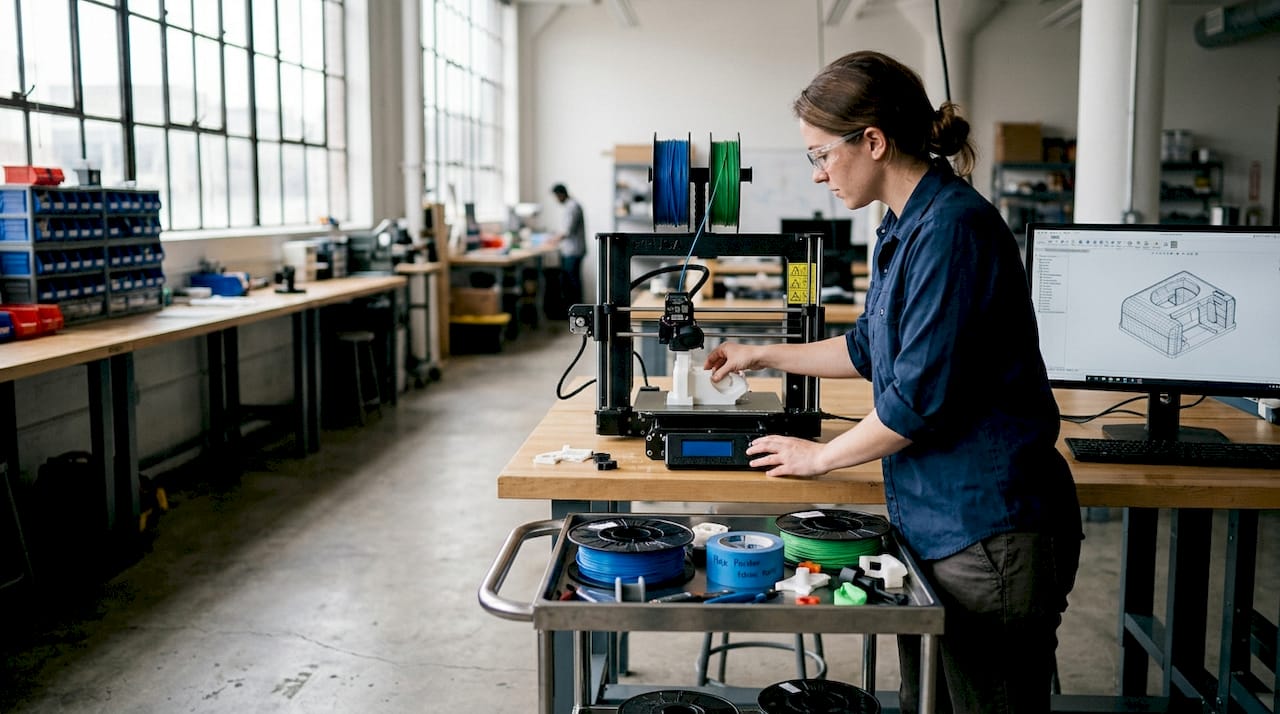
Choosing the wrong 3D printing process can cost you weeks of rework, wasted material, and parts that simply don’t fit. Most businesses ordering on-demand prints for the first time underestimate how much the technology choice matters. FDM, SLA, SLS, and MJF each produce dramatically different results in strength, surface finish, and dimensional accuracy. This guide walks you through every critical decision point, from selecting a process to designing for reliable outcomes, so your next prototype or production run lands right the first time.
Table of Contents
- What is 3D printing on demand?
- Major technologies and processes: FDM, SLA, SLS, and MJF
- Selecting the right on-demand 3D printing service
- Engineering for on-demand 3D printing: Tolerances, orientation, and post-processing
- Practical applications and best practices for business success
- Connect with expert 3D printing and scanning services
- Frequently asked questions
Key Takeaways
| Point | Details |
|---|---|
| Choose the right process | Match your application—prototype, functional part, or batch production—to the optimal 3D printing technology. |
| Design for manufacturability | Set proper tolerances, wall thickness, and load orientation for reliable and accurate parts. |
| Leverage expert providers | Use established on-demand services for speed, quality, and cost efficiency, especially for business-critical projects. |
| Optimize for scalability | Powder-bed processes shine for batches of 50–5000 parts, while instant quoting platforms speed up prototyping. |
| Combine scanning and printing | Incorporate 3D scanning to achieve precise digital models and hybrid print plus machining for critical features. |
What is 3D printing on demand?
On-demand 3D printing means you upload a digital file, choose a material and process, and receive finished parts without owning any equipment. There’s no minimum order, no tooling cost, and no long lead time tied to traditional manufacturing. You pay only for what you need, when you need it.
This model works especially well for specific project types:
- Functional prototypes that need to be tested before committing to injection molding
- Custom jigs and fixtures built for a single production run
- Small batch parts in quantities from 1 to a few hundred units
- Replacement components that are no longer available through standard supply chains
“On-demand 3D printing is ideal for rapid prototyping and small batch production.”
The business case is straightforward. You compress your development timeline, reduce upfront capital risk, and iterate faster than any traditional process allows. Services like Protolabs have made it possible to receive parts within days rather than weeks. For a deeper look at what these services cover, the on-demand 3D printing overview at CC 3D Labs outlines the full range of options available. You can also browse the complete list of 3D printing services to understand what’s possible before you commit to a project.
With the core concept defined, let’s explore the technologies powering these services.
Major technologies and processes: FDM, SLA, SLS, and MJF
Not all 3D printing is the same. The process you choose determines your part’s strength, surface quality, dimensional accuracy, and cost. Here’s how the four dominant technologies compare.
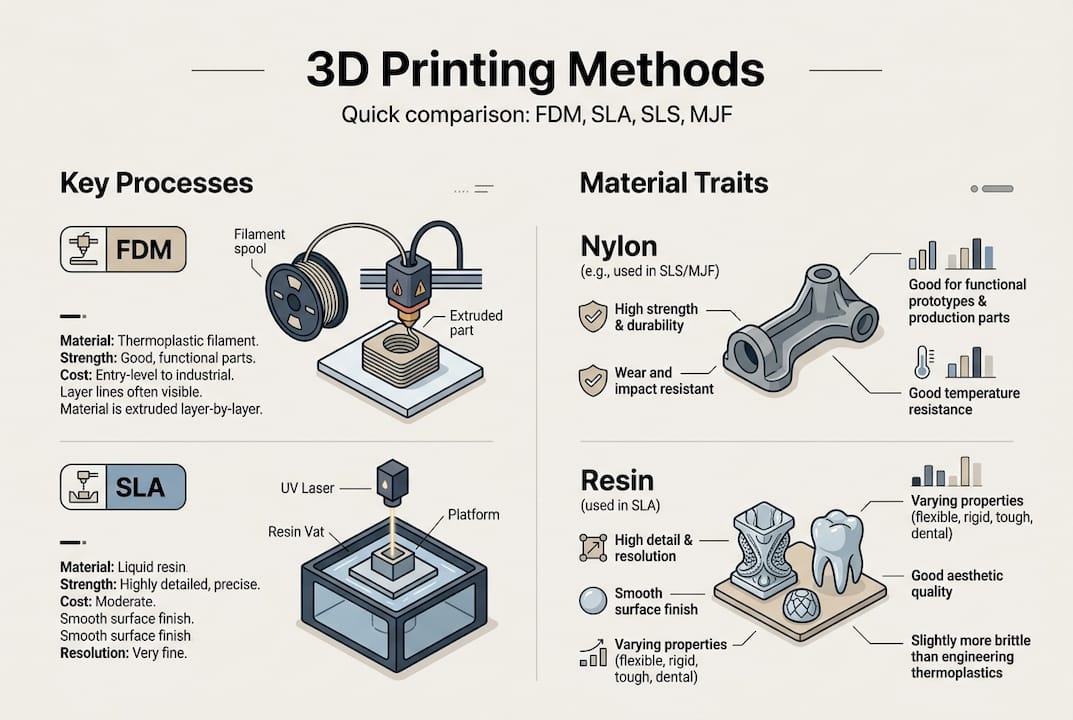
FDM (Fused Deposition Modeling) melts thermoplastic filament and deposits it layer by layer. It’s the most affordable option and works well for concept models and cost-sensitive functional parts. However, FDM tolerances run ±0.5mm and layer lines are visible, which limits cosmetic applications.
SLA (Stereolithography) uses a UV laser to cure liquid resin. It produces the finest surface detail of any process, with SLA tolerances as tight as ±0.05mm. It’s the right choice for dental models, jewelry masters, and parts where surface finish matters more than toughness.
SLS (Selective Laser Sintering) and MJF (Multi Jet Fusion) both use powder-bed fusion to build nylon parts without support structures. SLS and MJF hold ±0.25mm tolerances and produce parts with near-isotropic strength, meaning they’re nearly as strong in every direction. This is a significant advantage over FDM, where layer orientation directly affects part strength.
| Process | Typical tolerance | Typical industry cost per part (not our pricing) | Best use case | Strength profile |
|---|---|---|---|---|
| FDM | ±0.5mm | $3–$50 | Concept models, brackets | Anisotropic |
| SLA | ±0.05–0.13mm | $15–$80 | Detail models, masters | Brittle |
| SLS | ±0.25mm | $20–$100 | Functional parts, batches | Near-isotropic |
| MJF | ±0.25mm | $20–$90 | Production runs, complex geometry | Near-isotropic |
For a broader look at how these processes fit into manufacturing workflows, the additive manufacturing guide covers the full picture. If you’re still deciding which process fits your specific job, finding the best print job breaks it down by application. You can also compare provider capabilities directly through Xometry’s service options.
Now that you understand the main processes, let’s look at how real-world businesses select the right service for their needs.
Selecting the right on-demand 3D printing service
The provider you choose matters as much as the process. Different platforms specialize in different things, and picking the wrong one adds cost and delays.
| Provider | Strength | Best for |
|---|---|---|
| Protolabs | Speed | 1–2 day prototypes, fast iteration |
| Xometry | Scale and quoting | Instant quotes, large order flexibility |
| Stratasys Direct | Industrial grade | High-performance materials, aerospace |
Protolabs delivers 1–2 day prototypes, making it the go-to for fast design validation. Xometry offers instant quotes and scales well for larger orders. Stratasys Direct specializes in industrial-grade parts where material certification matters. The MakerVerse service guide provides a useful comparison of these platforms.
For batch production between 50 and 5,000 parts, powder-bed processes like SLS and MJF are the clear leaders. They pack multiple parts into a single build volume, which reduces per-unit cost significantly at scale.
Here’s a simple decision process to follow:
- Define your requirements. What tolerances, materials, and quantities do you need?
- Match to a process. Use the table above to narrow down FDM, SLA, SLS, or MJF.
- Evaluate providers. Check quoting speed, DFM (design for manufacturing) feedback, and lead times.
- Run a test batch. Order a small quantity first to validate fit and finish before scaling.
- Iterate fast. Use instant quoting platforms to test design changes without long approval cycles.
Pro Tip: Always look for providers that offer DFM analysis before printing. Catching a wall thickness issue or an unsupported overhang before the job runs saves you a full reprint cycle.
For a deeper look at how prototyping fits into product development, the rapid prototyping guide is worth reading before you place your first order. If you’re new to the terminology, the printing terminology guide clears up the jargon quickly.
Once you’ve chosen a provider, understanding design and engineering nuances ensures success with your parts.
Engineering for on-demand 3D printing: Tolerances, orientation, and post-processing
Most print failures aren’t caused by bad machines. They’re caused by designs that weren’t built with the process in mind. A few engineering principles make the difference between a part that works and one that warps, cracks, or doesn’t assemble.
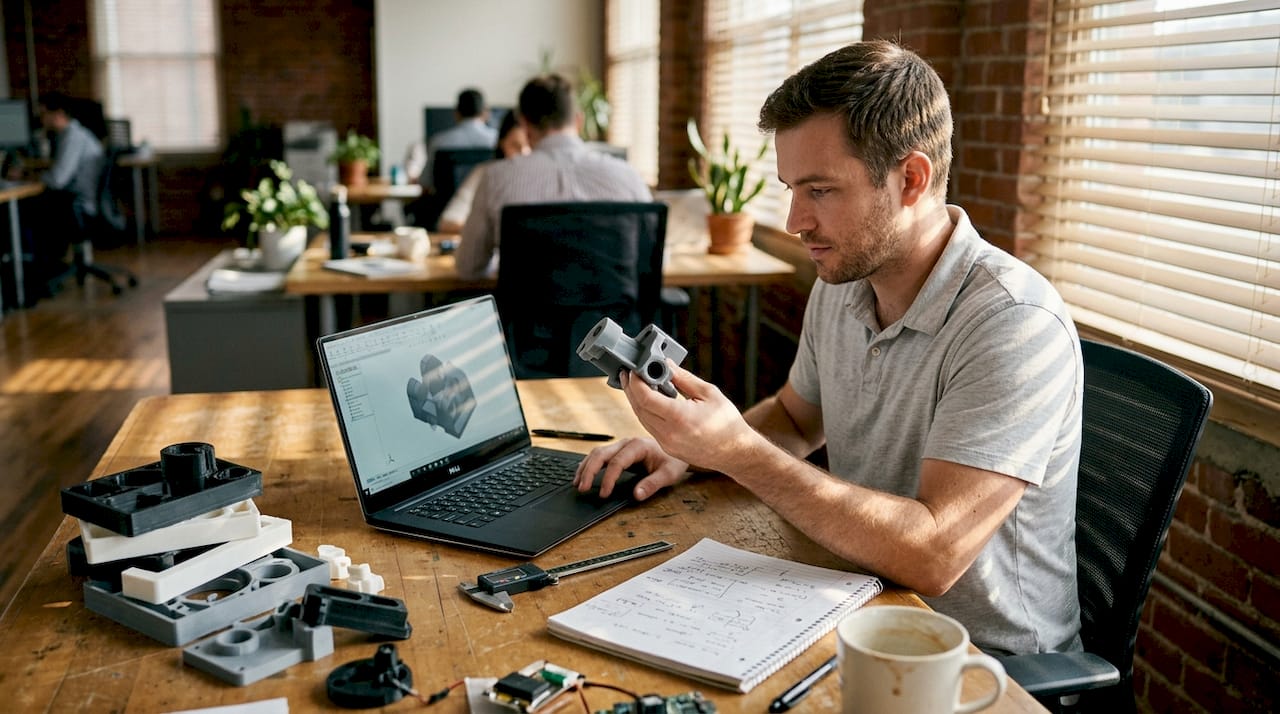
Wall thickness is the first thing to check. Thin walls under 1.2mm fail in FDM; SLA can go as thin as 0.6mm. Going below these minimums produces fragile, incomplete walls that break during post-processing or assembly.
Overhangs and supports are the next concern. Overhangs beyond 45 degrees require support structures in FDM and SLA. SLS and MJF eliminate this problem entirely because unfused powder acts as a natural support. If you’re designing complex geometry, powder-bed processes save significant cleanup time.
Holes print undersized in most processes due to thermal contraction and layer adhesion. Use 0.3–0.5mm clearance for loose fits and 0.15–0.25mm for snug fits. This is one of the most common mistakes in first-time prints.
Key design principles to follow:
- Add fillets and ribs to reduce stress concentrations at corners and joints
- Orient load paths in the XY plane to maximize FDM part strength
- Use hybrid print plus machining for holes, threads, or mating surfaces that need tight tolerances
- Plan post-processing steps like sanding, priming, or vapor smoothing into your timeline
“Fillets and ribs reduce stress; orient loads in XY; hybrid print and machining for critical features.”
Pro Tip: If a feature is truly critical, such as a bearing seat or a threaded insert, design it slightly undersized and machine it to final dimension after printing. This hybrid approach gives you the geometry freedom of additive manufacturing with the precision of subtractive finishing.
For parts that demand tight tolerances and verified accuracy, engineering-grade prints and a high quality scan process can validate your as-built geometry against your CAD model. The ProtoLabs design tips page is also a reliable reference for process-specific design rules.
For real business results, let’s see how these factors play out in practical applications.
Practical applications and best practices for business success
The businesses that get the most value from on-demand 3D printing treat it as a system, not a one-off tool. They build iteration into their workflow and match the process to the job rather than defaulting to whatever is cheapest.
Common high-value applications include:
- Prototyping enclosures and housings before committing to injection mold tooling
- Custom assembly jigs that improve consistency on the production floor
- End-use brackets and mounts for low-volume products where tooling cost isn’t justified
- Replacement parts for legacy equipment no longer supported by the original manufacturer
Powder-bed processes are preferred for production durability, SLA delivers the best cosmetic finish, and FDM handles cost-sensitive jobs where surface quality isn’t critical. Matching the process to the actual requirement, rather than defaulting to the cheapest option, is the single biggest factor in getting usable parts on the first try. The TPM3D comparison breaks this down clearly by application type.
The most common mistakes businesses make:
- Skipping a test fit before ordering a full batch
- Ignoring orientation in FDM parts that carry mechanical loads
- Ordering cosmetic parts in FDM when SLA would cost only slightly more
- Not accounting for post-processing time in the project schedule
Pro Tip: Use 3D scanning on your first physical prototype before ordering a production batch. Scanning reveals dimensional drift between your CAD model and the actual printed part, so you can correct the design before scaling up.
For guidance on producing reliable functional parts or understanding what makes a prototype truly production-ready, the rapid prototyping insights page covers the full development cycle.
Connect with expert 3D printing and scanning services
Ready to put these insights into action? CC 3D Labs offers professional, on-demand printing and scanning solutions built for businesses that need accurate, reliable parts without the overhead of in-house equipment.

Whether you need a single prototype or a batch of several hundred parts, the team at CC 3D Labs handles the full process from file review to finished part. Explore the complete range of CC3DLabs services to find the right fit for your project. For precision work, custom 3D prints covers filament-based solutions with tight tolerances and fast turnaround. If your project involves reverse engineering or dimensional verification, the 3D scanning lab provides high-accuracy scans that feed directly into your design workflow. Get a free online estimate and see how quickly your next part can move from file to finished product.
Frequently asked questions
Which 3D printing process is best for functional parts?
Powder-bed processes like SLS and MJF are best for durable, functional parts because they produce near-isotropic strength and require no support structures, which simplifies post-processing.
How do I ensure dimensional accuracy when printing?
Set tolerances appropriate to your process, add 0.3–0.5mm clearance for loose fits, and consider post-machining for critical features. FDM holds ±0.3–0.5mm, while SLA achieves ±0.1mm and SLS/MJF lands around ±0.2–0.3mm.
What are typical turnaround times for on-demand printing?
Protolabs delivers prototypes in 1–2 days; larger or more complex batches typically take 3–7 business days depending on material and quantity.
Is SLA or FDM more cost-effective for prototyping?
FDM is more cost-effective for basic form-and-fit prototypes, with FDM parts running $3–$50 compared to SLA at $15–$80 per part. Choose SLA when surface detail or fine features matter.
Can 3D scanning improve my 3D printing outcomes?
Yes. Scanning your printed prototype reveals dimensional drift from your CAD model, and hybrid print and scanning enables precise corrections before you commit to a production batch.