
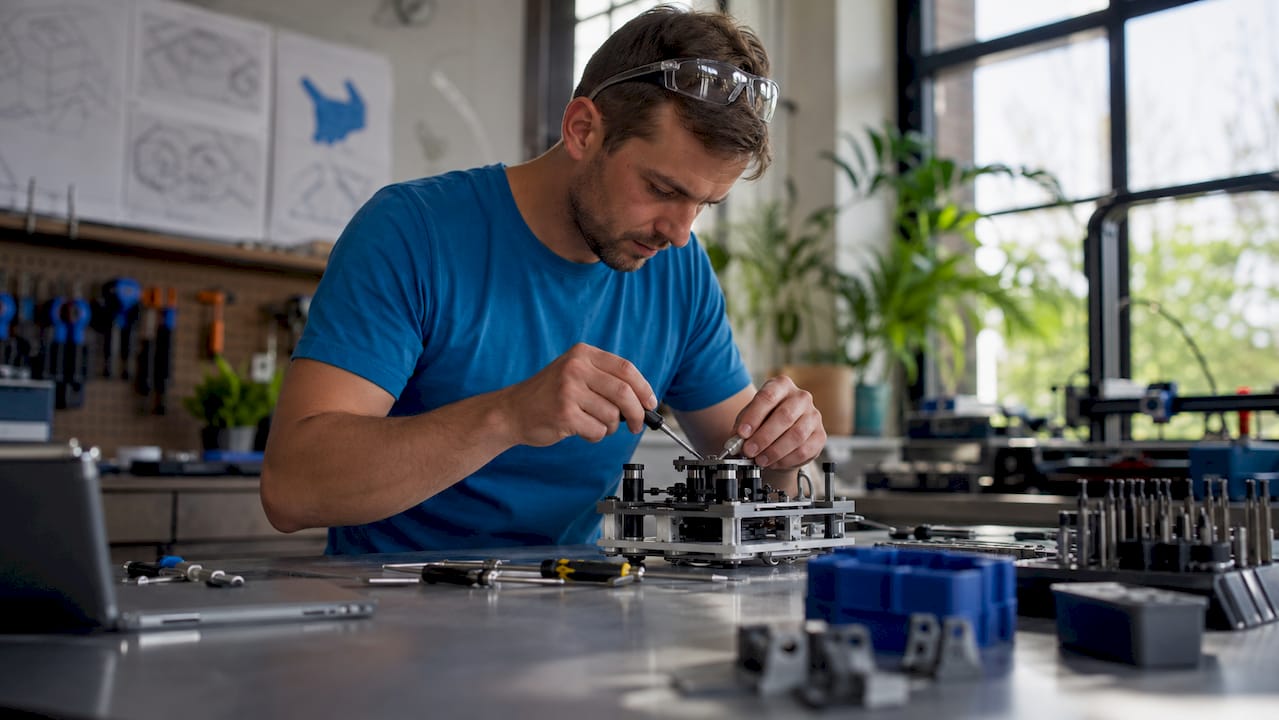
TL;DR:
- Functional prototyping builds working models to validate core product functions early, saving costs and time. Testing with five users uncovers most usability issues, while matching tools and materials to specific tests ensures accurate validation. Stopping after three consecutive tests reveal no new problems marks the completion of effective prototype development.
Functional prototyping is the process of building working models that perform core product functions to validate design feasibility before committing to production. In engineering and product development, this practice is also called design validation prototyping. A well-executed functional prototyping guide saves teams real money: prototyping prevents expensive mistakes by surfacing issues early, saving substantial cost and development time. Tools like FDM 3D printing, CNC machining, and CAD platforms such as Fusion 360 and SolidWorks are the backbone of this process. The goal is never a perfect product. The goal is a working model that answers specific engineering questions fast.
What does a functional prototyping guide actually cover?
A functional prototype is defined as a working model that represents core operational capabilities under realistic use conditions. That distinction matters. A visual mockup shows shape. A functional prototype shows whether the product actually works. It exposes mechanical failures, assembly problems, and usability gaps that CAD models and simulations simply cannot reveal.
The scope of a prototype development guide covers three things: what to build, how to build it, and how to test it. Product developers who skip any of those three stages tend to discover problems at the worst possible time, during tooling or production. The structured approach described here applies whether you are building a consumer device, an industrial component, or a medical instrument.
What do you need before starting a functional prototype?
Define your functional objectives first
Projects with clearly defined functional objectives have a meaningfully higher chance of meeting market demand. That number reflects a simple truth: vague goals produce vague prototypes. Before touching any software or material, write down exactly which functions the prototype must demonstrate. Load capacity, fluid flow, snap-fit engagement, thermal resistance. Pick the specific parameters that matter.

Functional objectives should tie directly to user requirements. If your end user needs a part that survives 500 assembly cycles, that is your test target. If they need a housing that fits within a 40mm envelope, that is your constraint. Defining these upfront prevents the most expensive mistake in prototyping: building the wrong thing well.
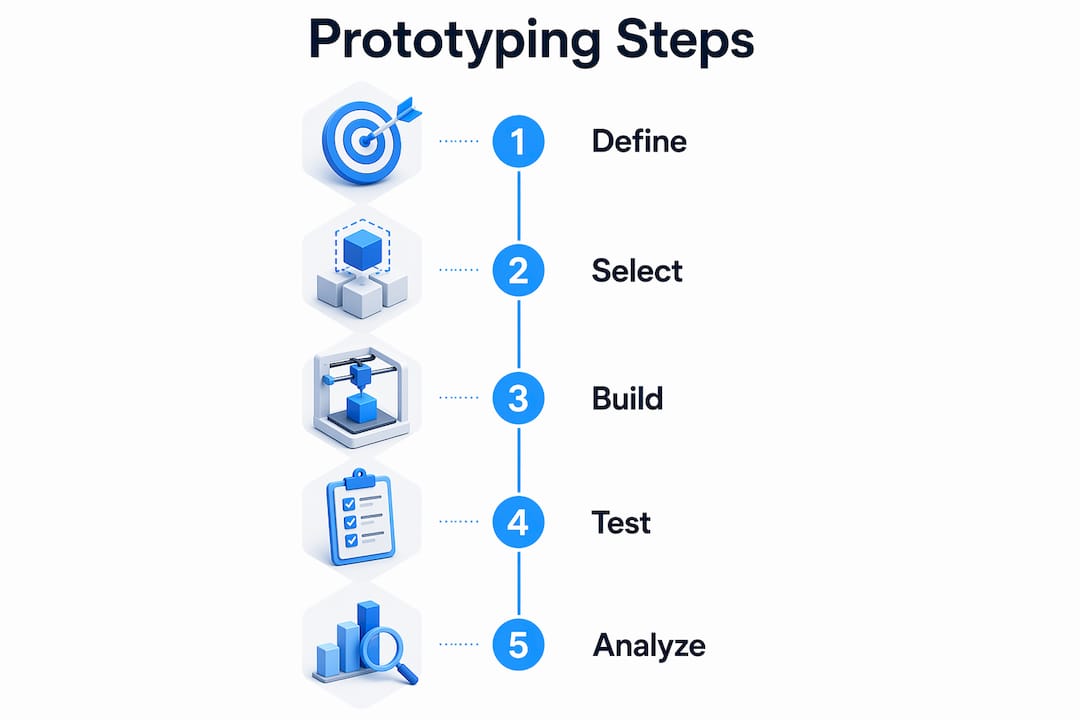
Tools and materials comparison
The right tool depends on what you are testing. Here is a direct comparison of the most common prototyping methods:
| Method | Best for | Material options | Speed | Cost |
|---|---|---|---|---|
| FDM 3D printing | Fit, form, and light functional tests | PLA, PETG, ABS, Nylon, TPU | Fast (hours) | Low |
| SLA/resin printing | Fine detail, smooth surfaces | Photopolymer resins | Fast (hours) | Low to medium |
| CNC machining | High-stress mechanical parts | Aluminum, steel, acetal | Medium (days) | Medium to high |
| Urethane casting | Small batch functional parts | Polyurethane resins | Medium | Medium |
| Injection mold tooling | Production-intent validation | Any thermoplastic | Slow (weeks) | High |
Tooling and materials for prototypes vary widely; production-intent materials are ideal but substitutions balance cost and functionality. FDM printing with Nylon or PETG, for example, handles most mechanical validation tasks at a fraction of CNC cost.
Pro Tip: Match your material to your test, not to the final product spec. If you are testing snap-fit geometry, PLA works fine. If you are testing fatigue under cyclic load, use the production material or its closest analog.
How do you create a functional prototype step by step?
The functional prototype process follows a clear sequence. Skipping steps does not save time. It creates rework.
-
Define the test question. Write one sentence describing what the prototype must prove. “This bracket must support 50 lbs without deflecting more than 2mm.” Every decision after this flows from that sentence.
-
Sketch low-fidelity concepts. Hand sketches or rough digital wireframes identify geometry and assembly logic before committing to CAD. This step takes hours, not days, and catches obvious problems early.
-
Build the CAD model. Use Fusion 360, SolidWorks, or Onshape to create a parametric model. Design for the manufacturing method you plan to use. FDM parts need wall thickness above 1.2mm and should avoid unsupported overhangs beyond 45 degrees.
-
Prepare and print or machine the part. Export your CAD file as an STL or STEP file. For FDM printing, slice the file in software like Bambu Studio, Cura, or PrusaSlicer. Set infill, layer height, and support strategy based on the functional load the part will carry.
-
Assemble and conduct initial internal testing. Fit the prototype into its intended assembly context. Check clearances, fastener alignment, and mechanical travel. Document every failure point with photos and measurements.
-
Iterate the design. Return to CAD, correct the identified issues, and reprint. For iterative prototyping to work efficiently, each iteration should address only the issues found in the previous test. Changing multiple variables at once makes it impossible to know what fixed the problem.
-
Prepare for user testing. Once internal testing confirms basic function, move to external validation with real users. This is where most teams underinvest.
Choosing manufacturing methods matched to performance metrics is critical at step four. A part tested for fluid flow needs watertight walls, which FDM alone may not provide without post-processing. A part tested for impact resistance needs ABS or Nylon, not PLA.
How do you test and validate functional prototypes effectively?
Run tests with real users, not just your team
Testing a prototype with 5 real users uncovers 85% of usability issues. That finding from usability research holds true for physical products as much as software. Five users is not a large sample. It is the minimum effective dose for surfacing the most critical problems.
Internal team feedback is not a substitute for user testing. Engineers and designers carry domain expertise that blinds them to usability flaws. A team member who designed the assembly sequence will not struggle with it. A first-time user will. Avoid confusing internal feedback with real user validation, because domain expertise consistently obscures usability problems.
Common pitfalls to avoid
- Testing too late. Waiting until the prototype is “ready” delays feedback by weeks. Test rough versions early.
- Changing too many variables between iterations. One change per cycle keeps your data clean.
- Ignoring failure modes. If a part breaks during testing, that is data. Document it, do not discard it.
- Skipping quantitative metrics. Subjective feedback like “it feels loose” needs a measurement behind it. Define pass/fail criteria before testing begins.
- Over-finishing the prototype. Sanding, painting, and polishing a prototype before function is confirmed wastes time and distorts user feedback.
When to stop prototyping
Stop prototyping when three consecutive user tests yield no new issues. Further refinement at that point wastes resources and delays production. The prototype has served its purpose. Shift focus to production tooling and manufacturing documentation.
“Functional prototypes are experiments for validation, not final products.” — A Practical Guide to Prototyping
That framing changes how you approach every build. An experiment that fails is still a success if it answers the question.
Pro Tip: Write your test criteria before you build the prototype. If you cannot define what “pass” looks like, you are not ready to test.
3D printing vs. other prototyping methods: which should you choose?
The choice of prototyping method determines what questions you can answer. No single method covers every scenario. Here is how the most common approaches compare for functional engineering prototypes:
| Method | Geometric complexity | Functional accuracy | Lead time | Cost per part |
|---|---|---|---|---|
| FDM 3D printing | High | Medium (material dependent) | Hours | Very low |
| SLA printing | Very high | Medium (brittle resins) | Hours | Low |
| CNC machining | Medium | Very high | 1–5 days | High |
| Urethane casting | High | High | 3–7 days | Medium |
| Sheet metal fabrication | Low | Very high | 3–10 days | Medium to high |
FDM 3D printing wins on speed and cost for early-stage functional tests. It handles complex geometry that CNC cannot reach without multi-axis setups. The tradeoff is material performance. FDM parts printed in standard PLA will not survive high-temperature or high-stress environments. For those conditions, CNC machining in aluminum or engineering-grade filaments like PEEK and carbon-fiber-reinforced Nylon close the gap.
Functional prototyping acts as a systematic validation gateway, aligning manufacturing methods with performance tests. That means the method you choose should be driven by the test parameter, not by habit or convenience. If you are validating a load-bearing bracket, CNC aluminum gives you real-world data. If you are validating assembly geometry, FDM is faster and cheaper. You can learn more about choosing the right 3D printing type for specific prototype and production goals.
Key Takeaways
Functional prototyping succeeds when you define specific test objectives, match your manufacturing method to those objectives, and validate with real users before investing in production tooling.
| Point | Details |
|---|---|
| Define objectives first | Clear functional goals increase market success rates and prevent costly late-stage redesigns. |
| Match method to test | FDM suits geometry and fit tests; CNC machining suits high-stress mechanical validation. |
| Test with real users | Five users uncover 85% of usability issues that internal teams consistently miss. |
| Iterate one change at a time | Changing multiple variables between builds makes it impossible to isolate what worked. |
| Know when to stop | Three consecutive tests with no new findings signal the prototype has done its job. |
What I’ve learned after watching hundreds of prototypes fail
The most consistent mistake I see product developers make is treating the prototype as a preview of the final product. They spend weeks perfecting surface finish and color before the core mechanism has been tested once. That instinct is understandable. Showing a polished prototype to stakeholders feels safer. But over-investing in prototype fidelity too early is one of the most documented failure modes in product development. Build only what is necessary to answer the specific question in front of you.
The second mistake is using the engineering team as the primary test audience. I have watched teams convince themselves a product is ready based on internal reviews, then see it fail immediately in user testing. Your team knows too much. They know the workarounds, the intended assembly sequence, the quirks. Real users do not. Get the prototype in front of people who have never seen it as early as possible, even if it is rough.
The third lesson is about method selection. Engineers often default to the method they know best rather than the method that fits the test. If your question is about ergonomics and grip, a foam model answers it faster than a printed part. If your question is about thermal performance, no amount of FDM printing replaces a test with the actual material. Align the method to the question, every time. That discipline is what separates teams that iterate fast from teams that spin their wheels.
— Justin
How Cc3dlabs supports your prototype builds
Product developers near Philadelphia and across the country use Cc3dlabs for on-demand filament-based 3D printing that fits directly into the iterative prototype cycle. Whether you need a single test part overnight or a batch of functional assemblies for user testing, the turnaround is built for speed.

Cc3dlabs offers professional 3D printing services for prototypes and functional parts, including multi-material options and CAD support for teams that need design-to-print help. The project gallery shows real functional parts across industries, from mechanical assemblies to enclosures. If you want to see what filament-based printing can do for your next prototype, request a free online estimate directly on the site.
FAQ
What is a functional prototype?
A functional prototype is a working model that performs the core functions of a product under realistic conditions. It is used to validate design decisions before committing to production tooling.
How many users do you need to test a prototype?
Testing with a handful of real users uncovers the large majority of usability problems. That threshold applies to physical product testing as well as software usability research.
When should you stop iterating on a prototype?
Stop prototyping when three consecutive user testing rounds produce no new findings. At that point, the design is validated and resources should shift to production preparation.
Is 3D printing good enough for functional prototypes?
FDM 3D printing handles fit, form, and light mechanical testing effectively. For high-stress or high-temperature applications, CNC machining or engineering-grade filaments like Nylon and PEEK are more appropriate.
What is the biggest mistake in functional prototyping?
Over-investing in prototype fidelity before answering the core functional question. Build the minimum version that tests what you need to know, then refine based on real data.