
TL;DR:
- Prototypes turn abstract ideas into testable models to reduce costly mistakes during product development. Using multiple rapid iterations and appropriate fidelity levels accelerates timelines, cuts rework costs, and improves stakeholder alignment. Modern 3D printing enables fast, affordable physical prototypes, supporting better design decisions and faster market entry.
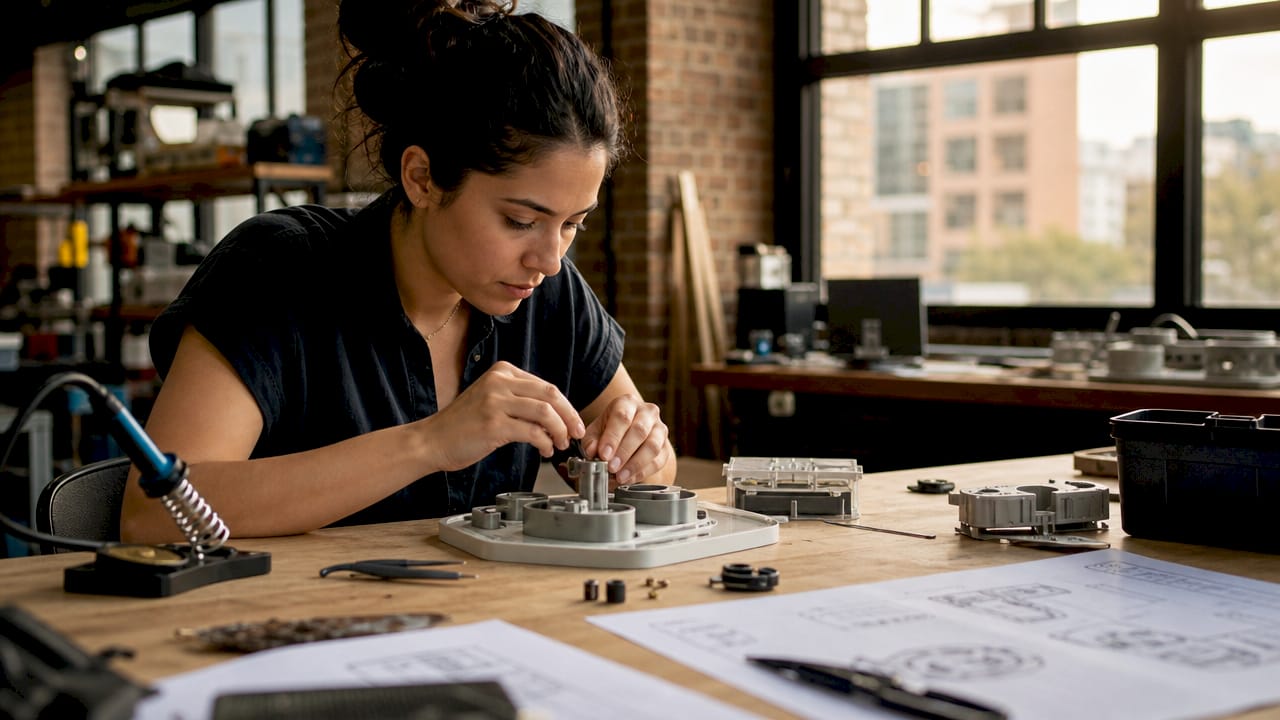
A prototype is a testable, tangible model built before full-scale production begins. The role of prototypes in product development is to transform abstract ideas into physical or digital objects that can be tested, challenged, and refined. Companies that skip this step pay for it later. Prototyping tools like Figma for digital products and 3D printing for physical goods give product developers a concrete way to validate assumptions before they become expensive mistakes. The data is clear: companies that prioritize prototyping reach markets up to 50% faster and spend far less on post-launch fixes.
How do prototypes impact product development timelines and costs?
Prototyping is the single most effective way to compress your development timeline and protect your budget. Teams that build and test early catch design flaws when they are still cheap to fix. Rework costs without prototyping run 3–5 times higher than when problems are caught at the prototype stage. That gap represents real money, especially for startups and small product teams operating with limited runway.
The budget math is straightforward. Prototyping typically consumes 5–15% of total development budget, but fixes made during that phase cost up to 100 times less than fixes made after launch. Spending a few thousand dollars on a prototype to avoid a six-figure redesign is not a risk. It is basic financial discipline.
| Phase | Cost of fixing a design flaw |
|---|---|
| Prototype stage | Lowest cost, fastest resolution |
| Pre-launch testing | Moderate cost, delays timeline |
| Post-launch redesign | 3–5x higher cost, damages brand |
Speed is the other major benefit. When your team has a physical or digital model in hand, decisions happen faster. Stakeholders stop debating hypotheticals and start reacting to something real. That shift alone can shave weeks off a development cycle.
Pro Tip: Budget for 3–5 prototype iterations from the start, not just one. A single prototype rarely answers every question. Multiple cycles give you the room to learn, pivot, and refine without blowing your timeline.
What are the different types and fidelities of prototypes?
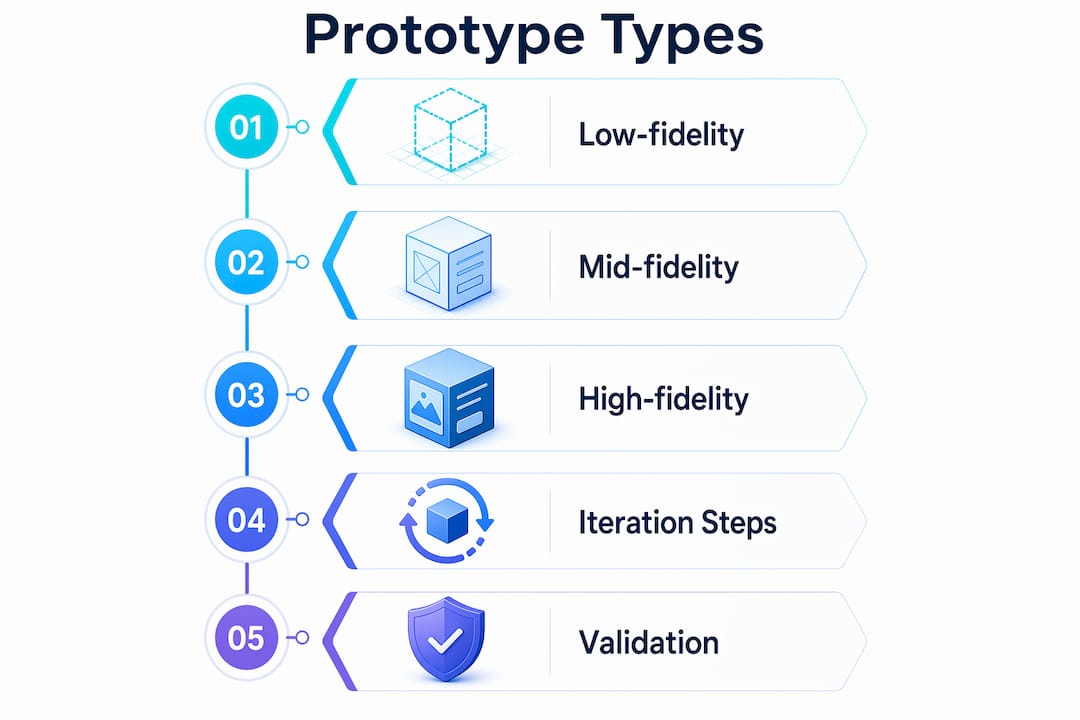
Fidelity describes how closely a prototype resembles the final product. Choosing the wrong fidelity at the wrong stage wastes time and introduces design bias. The goal is always to use the lowest fidelity that still answers your current question.
Low-fidelity prototypes
Low-fidelity prototypes include paper sketches, cardboard mockups, and basic wireframes built in tools like Balsamiq or even on a whiteboard. They are fast to produce and easy to discard. Because they look unfinished, users give honest feedback instead of assuming the design is locked in. IDEO and other leading design firms use low-fidelity models at the earliest stages precisely because they reduce attachment and speed up iteration.

Mid-fidelity prototypes
Mid-fidelity prototypes are clickable digital models, often built in Figma or Adobe XD. They simulate user flows without requiring full code. Product teams use them to test navigation logic, screen layouts, and interaction patterns before any engineering work begins. This is the most common fidelity level for software and app development.
High-fidelity prototypes
High-fidelity prototypes look and function close to the final product. For digital products, this means working code or near-final UI. For physical products, this means machined or 3D-printed parts made from production-grade materials. Physical prototypes validate material behavior, tolerance stack-ups, and assembly sequences that CAD models alone cannot predict. You cannot know how a part feels in the hand, or whether two components fit together under real conditions, until you build it.
| Fidelity level | Best used for | Common tools |
|---|---|---|
| Low | Early concept testing, ideation | Paper, Balsamiq, whiteboards |
| Mid | User flow and interaction testing | Figma, Adobe XD |
| High | Final validation, manufacturing prep | 3D printing, CNC machining |
Pro Tip: Resist the urge to jump to high-fidelity too early. A polished prototype signals “this is done” to stakeholders and users, which shuts down the honest feedback you need most.
How do prototypes improve stakeholder alignment and product-market fit?
Prototypes convert subjective opinions into objective evidence. Before a prototype exists, every stakeholder has a different mental image of the product. Tangible user testing replaces those competing assumptions with shared, observable data. That shift changes the nature of every meeting.
IDEO’s core philosophy is “fail earlier to succeed sooner.” The idea is not to celebrate failure. It is to surface problems when they are still fixable. Teams that run iterative build-test-learn cycles consistently produce better products than teams that design in isolation and test only at the end.
The market impact of this approach is significant. UX improvements driven by prototype testing can increase customer loyalty and revenue by up to 240%. That number reflects what happens when products are shaped by real user behavior rather than internal assumptions.
Prototypes also change how investors and partners engage with a product. A working model on a table communicates more than a slide deck ever will. Key benefits of showing prototypes to stakeholders include:
- Faster buy-in: Stakeholders react to what they see, not what they imagine.
- Clearer feedback: Users can point to specific elements rather than describe abstract preferences.
- Reduced scope creep: A defined prototype sets boundaries that keep the project focused.
- Earlier risk detection: Problems surface before engineering resources are committed.
“Prototyping is not a phase. It is a mindset. The teams that treat every build as a learning opportunity, not a deliverable, are the ones that ship products people actually want.”
Entrepreneurs who show investors a working prototype, even a rough one, close funding rounds faster than those who present only concepts. The prototype proves the idea is buildable and that the team can execute.
What practical steps should product developers follow when prototyping?
Effective prototyping follows a repeatable cycle: define your objective, build the minimum model needed to test it, put it in front of real users, collect feedback, and refine. Rapid prototyping compresses this cycle as much as possible. The faster you complete each loop, the more loops you can run before your budget or deadline runs out.
Follow these steps to integrate prototyping into your development process:
-
Define a single learning objective per cycle. Do not try to test everything at once. Each prototype should answer one specific question, such as “Can users find the checkout button?” or “Does this bracket hold under load?”
-
Choose the right fidelity for that question. Match your prototype complexity to what you need to learn. A paper sketch answers layout questions. A 3D-printed part answers fit and feel questions.
-
Test with real users, not internal team members. Your team already knows how the product works. Users do not. Their confusion is your data.
-
Document every session. Record what users do, not just what they say. Behavior reveals problems that verbal feedback often misses.
-
Plan for 3–5 iterations. Emotional or financial attachment to a single prototype version is one of the most common reasons products fail. Treat each version as disposable.
For physical products, manufacturing-grade 3D printing and scanning improves prototype accuracy and speeds up validation. You can go from a CAD file to a testable part in hours rather than weeks. That speed changes what is possible within a single development sprint. Teams using iterative prototyping strategies consistently reduce integration failures by catching tolerance and assembly issues before production tooling is cut.
Pro Tip: Treat your prototype as a question, not an answer. The moment you start defending a prototype instead of testing it, you have stopped learning.
Key Takeaways
Prototypes are the most cost-effective tool in product development, reducing rework costs by 3–5x and accelerating time-to-market by up to 50% when used in iterative cycles.
| Point | Details |
|---|---|
| Prototypes cut rework costs | Fixing problems at the prototype stage costs up to 100x less than post-launch redesigns. |
| Fidelity must match the question | Use the lowest fidelity needed to answer your current learning objective and avoid design bias. |
| Iteration beats single builds | Plan for 3–5 prototype cycles to allow meaningful refinement and avoid attachment to one version. |
| Stakeholder alignment improves | Tangible prototypes replace subjective debate with observable user data and shared evidence. |
| Physical testing is irreplaceable | 3D-printed prototypes validate material behavior and assembly fit that CAD models cannot predict. |
Why most teams prototype wrong
Most product teams treat the prototype as a milestone. They build one, show it, get approval, and move on. That is the wrong mental model entirely. A prototype is a question made physical. The moment you stop asking questions with it, you lose the entire benefit.
The teams I have seen succeed treat prototypes as disposable from day one. They build rough, test fast, and throw away what does not work without sentiment. The teams that struggle are the ones who spend three weeks polishing a prototype before anyone outside the building has seen it. By then, they are too invested to hear honest feedback.
The other mistake I see constantly is testing with the wrong people. Internal demos feel productive. They are not. Your colleagues know the product too well to simulate a real user. Get the prototype in front of strangers as fast as possible. Their confusion is not a problem. It is the most valuable data you will collect.
The technology available now, particularly filament-based 3D printing and metrology-grade scanning, has removed most of the excuses for skipping physical prototype cycles. You can produce a testable part in a day. There is no longer a cost or time argument for waiting. The only remaining barrier is the willingness to build something imperfect and learn from it.
— Justin
How Cc3dlabs accelerates your prototyping cycles
Product developers near Philadelphia and across the country use Cc3dlabs to turn CAD files into testable physical prototypes fast. Cc3dlabs specializes in custom filament-based 3D printing and metrology-grade 3D scanning, giving product teams the accuracy they need for functional validation without the lead times of traditional manufacturing.

Whether you need a single concept model or a batch of functional parts for user testing, Cc3dlabs handles orders of all sizes with quick turnaround and free online estimates. Their 3D printing on demand service means you can run multiple prototype iterations without committing to production tooling. For teams that need dimensional accuracy on complex geometries, the 3D scanning lab captures real-world parts and feeds precise data directly into your design workflow.
FAQ
What is the role of prototypes in product development?
A prototype is a testable model built before full production to validate design assumptions, catch errors early, and gather user feedback. It reduces the risk of expensive post-launch redesigns.
How much of a development budget should go to prototyping?
Prototyping typically consumes 5–15% of the total development budget. Fixes made during this phase cost up to 100 times less than changes made after launch.
What is the difference between low-fidelity and high-fidelity prototypes?
Low-fidelity prototypes are rough sketches or simple wireframes used for early concept testing. High-fidelity prototypes closely resemble the final product and are used for manufacturing validation and final user testing.
How many prototype iterations does a product typically need?
Most products benefit from 3–5 prototype iterations. Each cycle should answer a specific question, with findings from one round directly shaping the next build.
Can 3D printing replace traditional prototyping methods?
3D printing accelerates physical prototyping by producing testable parts in hours rather than weeks. It does not replace all methods, but it is the fastest way to validate fit, form, and function for most physical product categories.