
TL;DR:
- Rapid 3D printing enables product teams to test prototypes in days, accelerating development cycles.
- Speed often involves trade-offs in surface quality, but can still produce functional, test-ready parts.
- Integrating fast printing into workflows boosts innovation, reduces risks, and shortens time to market.
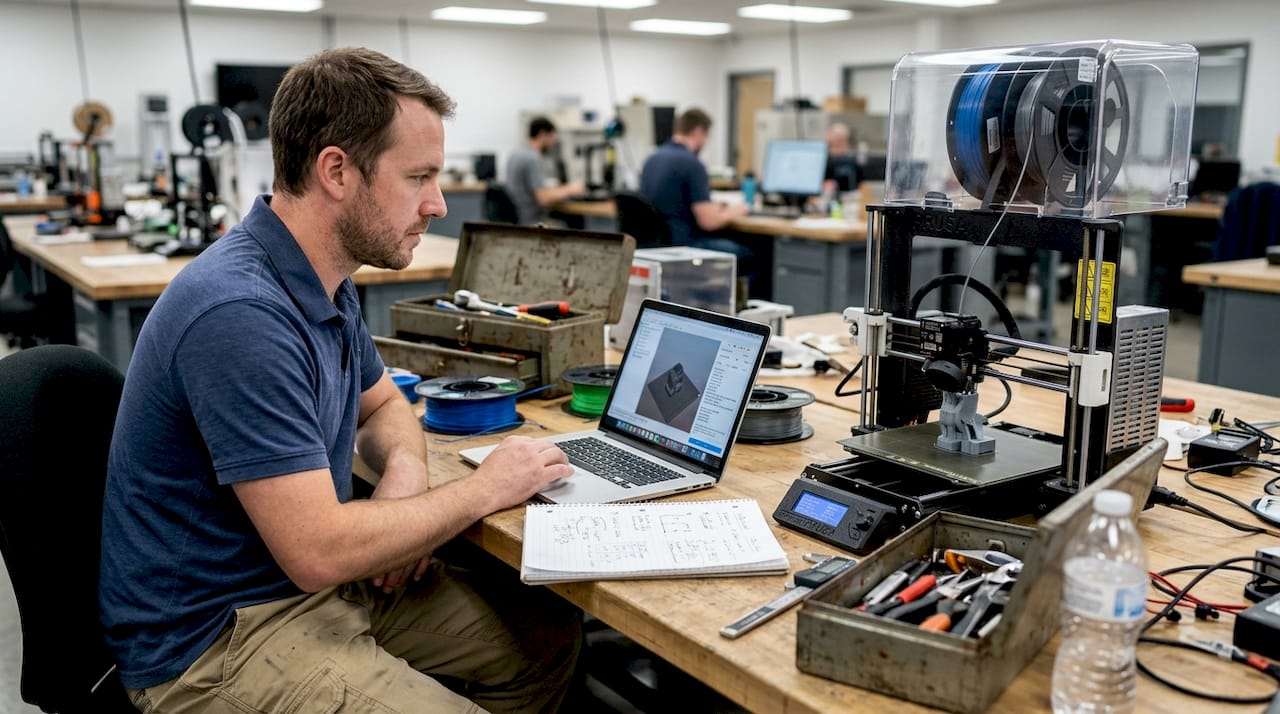
When traditional manufacturing quotes come back with 6 to 12 week lead times, product teams lose momentum before a single part is tested. Fast turnaround 3D printing flips that dynamic entirely, delivering functional prototypes in days rather than months. But many engineers still assume that speed means compromise, that you’re trading surface quality or structural integrity for convenience. That assumption is worth challenging. This article breaks down how rapid 3D printing actually works, where it creates real competitive advantage, what trade-offs are genuinely worth managing, and how to build it into your development workflow without guessing.
Table of Contents
- The impact of speed: From concept to prototype in days
- Balancing speed, quality, and cost: Key considerations
- Applications where speed creates competitive advantage
- Integrating fast 3D printing into your workflow
- Why most teams underestimate the value of speed
- Unlock rapid prototyping with CC3DLabs
- Frequently asked questions
Key Takeaways
| Point | Details |
|---|---|
| Speeds up innovation | Rapid 3D printing shrinks the time from idea to prototype to just days. |
| Manages trade-offs | Balancing speed, quality, and cost helps teams iterate faster without sacrificing function. |
| Enables market advantage | Using fast 3D prints for early concepts helps outpace competitors and test ideas quickly. |
| Works across industries | Automotive, medical, and electronics companies all benefit from shorter production cycles. |
The impact of speed: From concept to prototype in days
Traditional manufacturing methods like CNC machining and injection molding are built for precision at scale, not iteration. A single mold can cost tens of thousands of dollars and take 8 to 16 weeks to produce. For a product team running design cycles, that’s not a delay. It’s a full stop.
Fast turnaround 3D printing changes the math. Instead of waiting weeks for each revision, teams can receive updated prototypes in 24 to 72 hours. That kind of speed enables something traditional manufacturing simply can’t: parallel development. You can test three different geometry variations at the same time, gather real feedback, and move forward with data instead of guesses.
One common misconception is that fast prints are only useful for visual mockups. That’s not accurate. With the right material and settings, fast-printed parts can handle functional testing, fit checks, and even early stress validation. The key is understanding where speed is appropriate in your process. Our rapid prototyping guide covers this in detail for teams just getting started.
Print parameters drive the speed-quality relationship directly. Thicker layers at 0.2mm print faster but produce a rougher surface finish, while lower print speeds in the 20 to 40mm/s range deliver better dimensional accuracy. Neither is universally better. The right choice depends on what stage of development you’re in.
Here’s what fast turnaround printing actually enables for product teams:
- Faster design validation without waiting for machining queues
- Multiple simultaneous iterations tested in parallel
- Lower cost per learning cycle compared to traditional tooling
- Earlier cross-team collaboration with physical parts in hand
- Reduced risk before committing to expensive production tooling
“The real cost of slow prototyping isn’t the machining bill. It’s every week your competitor spends iterating while you’re waiting.”
Pro Tip: Use fast-turnaround prints for early-stage concept testing where surface finish is secondary. Reserve high-resolution settings for later rounds when fit, form, and finish all matter. This approach saves time and budget without sacrificing the learning you need.
For teams that also need dimensional verification of existing parts, quality 3D scans can feed directly into your CAD revision process, closing the loop between physical testing and design updates.
Balancing speed, quality, and cost: Key considerations
Once you understand how much time fast printing saves, the next question is what you’re actually trading for that speed. The answer is more nuanced than most people expect.
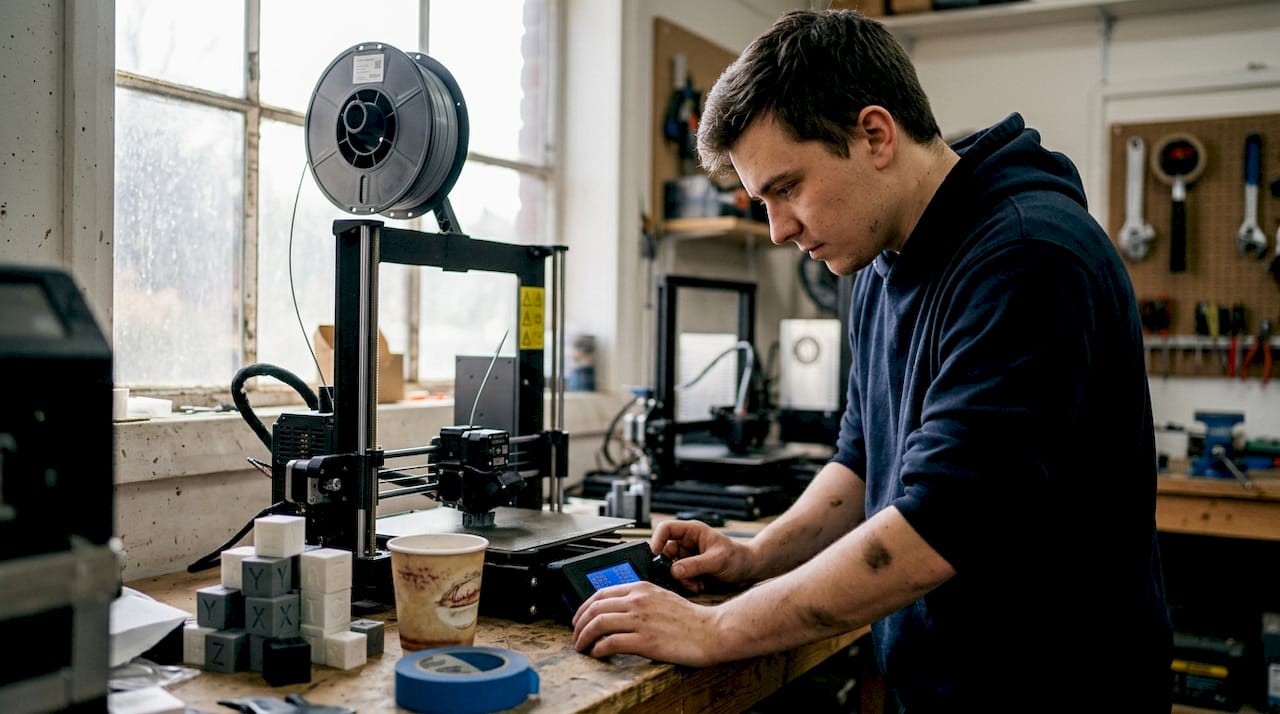
Print speed in FDM (fused deposition modeling) is controlled by three primary variables: layer height, print speed setting, and temperature. Pushing all three toward maximum output produces parts faster, but the surface finish suffers. Thicker layers and faster speeds mean visible layer lines and reduced detail on fine features. For a concept test, that’s perfectly acceptable. For a customer-facing prototype, it probably isn’t.
Surface finish varies significantly across printing technologies. Here’s a comparison that matters when you’re choosing a process:
| Technology | Surface finish Ra | Best for |
|---|---|---|
| SLA | 1 to 5 μm | High-detail visual prototypes |
| MJF | 5 to 10 μm | Functional parts, complex geometry |
| SLS | 10 to 15 μm | Durable, end-use parts |
| FDM | 15 to 50 μm | Fast concept models, structural tests |
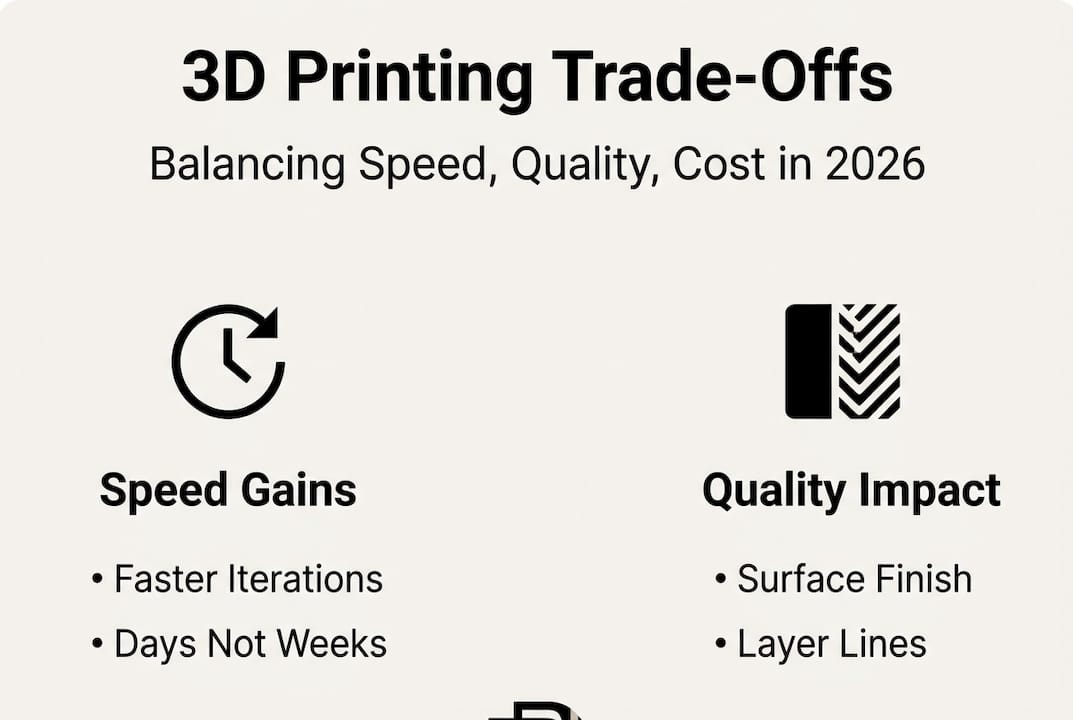
Surface finish Ra values show that chemical smoothing post-processing can significantly improve FDM results when needed. That gives you a useful middle path: print fast, then smooth selectively.
Here’s a practical numbered approach for deciding which speed setting to use:
- Define the part’s purpose. Is it a concept check, a fit test, or a functional prototype?
- Identify the critical features. Do fine details or surface quality matter for this round?
- Set your deadline. If you need the part in 24 hours, high-resolution settings may not be feasible.
- Choose layer height accordingly. 0.2mm for speed, 0.1mm or finer for detail.
- Plan post-processing. If finish matters, budget time for sanding or chemical smoothing.
For teams managing tight schedules, our low-volume manufacturing tips walk through how to structure print batches efficiently. And if you need parts on demand without maintaining in-house equipment, 3D printing on demand is often the fastest path from file to physical part.
Pro Tip: On projects with hard deadlines, run fast prints for structural and fit testing while simultaneously ordering high-resolution prints for the customer-facing version. You get both timelines working in parallel.
Applications where speed creates competitive advantage
Knowing the trade-offs is one thing. Seeing where fast printing actually moves the needle on commercial outcomes is another.
Automotive teams use rapid 3D printing to validate bracket designs, duct geometries, and interior trim components before committing to tooling. A design verification cycle that once took 8 weeks can now run in under a week. Medical device developers use it to test ergonomics, housing fits, and assembly sequences on physical models before regulatory submission. Consumer electronics teams print enclosures and button assemblies to test user interaction before any injection mold is cut.
| Industry | Typical turnaround | Key impact |
|---|---|---|
| Automotive | 1 to 3 days per iteration | Faster design freeze, reduced tooling risk |
| Medical devices | 2 to 5 days | Earlier ergonomic validation, lower rework cost |
| Consumer electronics | 1 to 2 days | Faster user testing, more design options explored |
| Industrial equipment | 2 to 4 days | Quicker fit checks before machining |
The competitive benefits stack up quickly:
- Faster time to market by compressing the design verification phase
- More design options explored without proportional cost increases
- Lower financial risk before tooling investment
- Better cross-functional alignment when everyone holds a physical part
- Earlier identification of design flaws before they become expensive
Surface finish data across technologies helps teams match the right process to the right stage, ensuring you’re not over-engineering early prototypes or under-specifying final validation parts.
Exploring the full range of 3D printing applications shows just how broad the use cases have become across industries. Staying current with 3D printing trends also helps teams anticipate which capabilities are worth building into their standard workflow now.
Pro Tip: Use rapid prints to test market fit with real users before finalizing a design. A physical part in a customer’s hands during early-stage research is worth more than any survey.
Integrating fast 3D printing into your workflow
Understanding the value is step one. Building a repeatable process around it is where teams actually capture that value consistently.
The first decision is identifying which parts and project stages are good candidates for rapid printing. Not everything benefits equally. Early-stage concept models, fit-check assemblies, and ergonomic test pieces are ideal. Highly detailed cosmetic parts or components requiring tight tolerances may need slower, higher-resolution settings regardless of schedule pressure.
File preparation matters more than most teams realize. Clean STL files with proper wall thicknesses, no inverted normals, and appropriate support structures reduce print failures and reprints. A file that takes 20 minutes to prepare correctly can save hours of troubleshooting later.
Here’s a straightforward numbered workflow that works well for most product development teams:
- Upload or share your CAD/STL file with your print service or internal team.
- Select material and speed settings based on the part’s purpose in this iteration.
- Confirm print time and delivery window before committing.
- Print and receive the part, often within 1 to 3 business days for industry fast-turnaround jobs (confirmed per project at quote time).
- Test, document findings, and revise the design file based on physical feedback.
- Repeat the cycle until the design meets validation criteria.
“From file upload to part in hand, the fastest teams treat each print cycle as a structured experiment, not just a manufacturing step.”
For teams without in-house equipment, on-demand 3D printing removes the machine management burden entirely. You upload, we print, you iterate. The parameter relationship between layer height and speed means your service provider should be able to recommend the right settings based on your stated goals, not just default profiles.
If dimensional accuracy is critical for your parts, pairing rapid printing with design accuracy tools like 3D scanning closes the feedback loop and ensures each revision is grounded in measured data, not visual inspection alone.
Why most teams underestimate the value of speed
Here’s an uncomfortable observation: most product teams calculate the value of fast prototyping by looking at the cost of a single print run. That’s the wrong unit of measurement.
The real value is in learning cycles. Every iteration you complete before a competitor completes one is a compounding advantage. You’re not just saving time on one part. You’re accumulating insights, eliminating bad options faster, and building team confidence through physical evidence rather than CAD assumptions.
Most companies overestimate the quality loss from fast printing and underestimate the strategic loss from slow iteration. A slightly rougher prototype that gets tested Tuesday beats a perfect model that arrives next month. The teams that internalize this shift their entire development culture, not just their print settings.
Rapid printing also fuels creative risk-taking. When a new idea costs two days and a modest print fee instead of six weeks and a tooling budget, engineers propose more ideas. That’s not a side effect. It’s the point. Real on-demand prototyping makes experimentation affordable enough to become a habit.
“The teams who ship fastest win, not just the market, but the insights game.”
Unlock rapid prototyping with CC3DLabs
Ready to put fast-turnaround 3D printing into action? CC3DLabs helps product developers and engineering teams near Philadelphia and beyond get functional parts and prototypes fast, without sacrificing the accuracy your project demands.

We handle everything from single concept prints to low-volume production runs, with material selection guidance and quick turnaround built into every order. Whether you need a fit-check part by Thursday or a batch of functional assemblies for a client demo, we’re set up to move at your pace. Explore 3D printing services to see what’s available, check out what’s possible with 3D printing for inspiration, or go straight to start a fast 3D print project and get your estimate today.
Frequently asked questions
Does faster 3D printing always mean lower quality?
Not always. Thicker layers and faster speeds reduce surface finish, but most experienced teams use fast prints for early iterations and switch to high-resolution settings only when fit, finish, and detail all matter.
What industries benefit most from rapid 3D printing?
Automotive, medical devices, and consumer electronics gain the most, particularly during design verification and short-run functional testing where iteration speed directly affects time to market.
How fast can I get a functional 3D printed part?
With fast-turnaround printing, functional prototypes are often delivered in as little as 1 to 3 business days industry-wide, depending on part complexity, material, and order volume — at CC 3D Labs, actual turnaround is quoted per project after a test print.
What are the key trade-offs when choosing speed?
Choosing faster settings typically means reduced surface resolution and visible layer lines, but the time savings across multiple iterations far outweigh the finish compromise for most early-stage development work. Surface finish Ra values vary significantly by technology, so matching the process to the project stage is the smarter move.
Can I outsource fast turnaround 3D printing?
Yes. Service bureaus like CC3DLabs offer rapid printing for prototypes and low-volume runs with no machine availability delays, giving you faster access to parts than most in-house setups can provide.