
TL;DR:
- Choosing the correct category—parametric CAD, freeform sculpting, or hybrid software—is crucial for efficient workflow, output quality, and successful 3D printing. Parametric CAD excels at precise, functional designs with editable features, while sculpting tools focus on organic shapes and artistic expression; hybrid platforms combine both approaches into one environment for complex projects. Selecting software aligned with your project’s needs, considering export formats, budget, and learning curve, ensures faster, more reliable results and prevents time-consuming category mismatches.
Types of 3D modeling software fall into three core categories: parametric CAD, freeform sculpting, and hybrid platforms that combine both approaches. Choosing the wrong category wastes weeks of learning time and produces files your printer or manufacturer cannot use. Whether you are a hobbyist designing a custom bracket or a product developer prototyping a consumer device, the software type determines your workflow, your output quality, and your path to a finished print. Tools like Autodesk Fusion 360, Blender, and ZBrush each represent a distinct modeling paradigm, and understanding those differences is the fastest way to make a confident choice.
1. Types of 3D modeling software: the three core categories
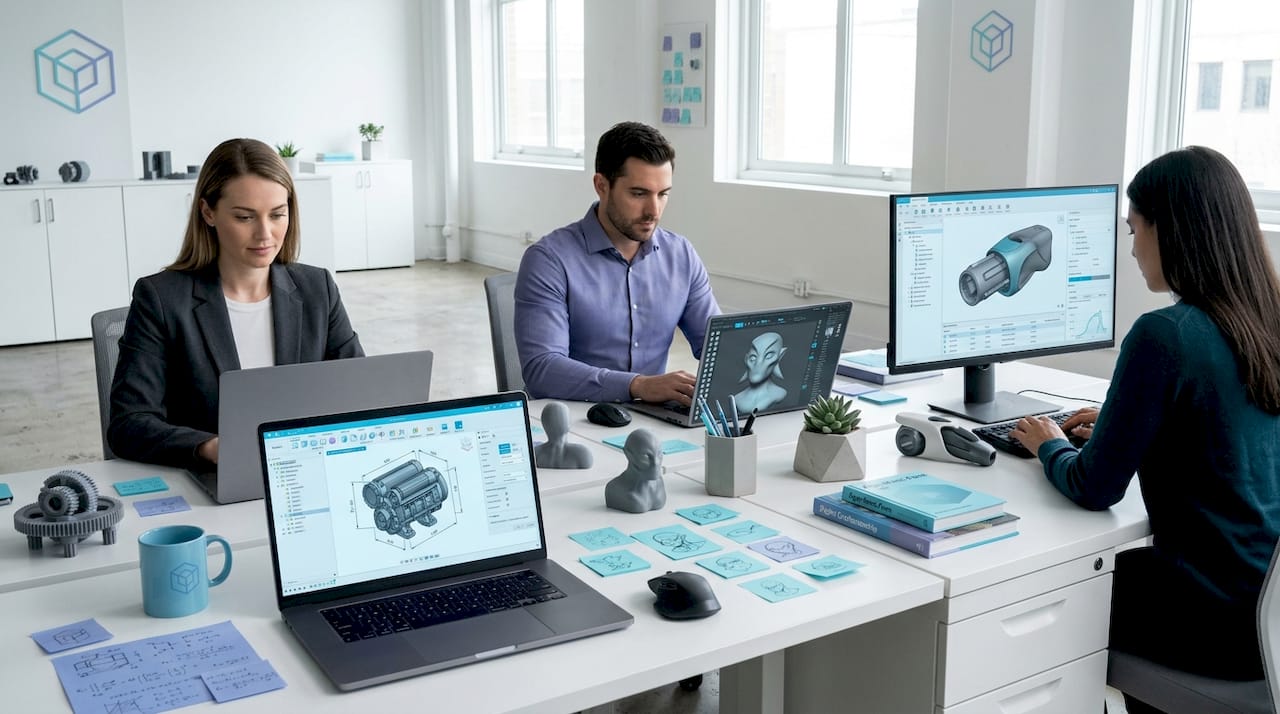
Three high-level software types define the 3D modeling world: CAD, freeform modeling, and hybrid approaches that blend both paradigms. This classification maps directly to workflow and purpose, not just feature lists. A parametric CAD tool like SolidWorks is built around design intent and engineering constraints. A sculpting tool like ZBrush is built around artistic expression and organic geometry. Knowing which category fits your project before you download anything saves you from a frustrating restart three weeks in.
2. Parametric CAD software: precision and editable design intent
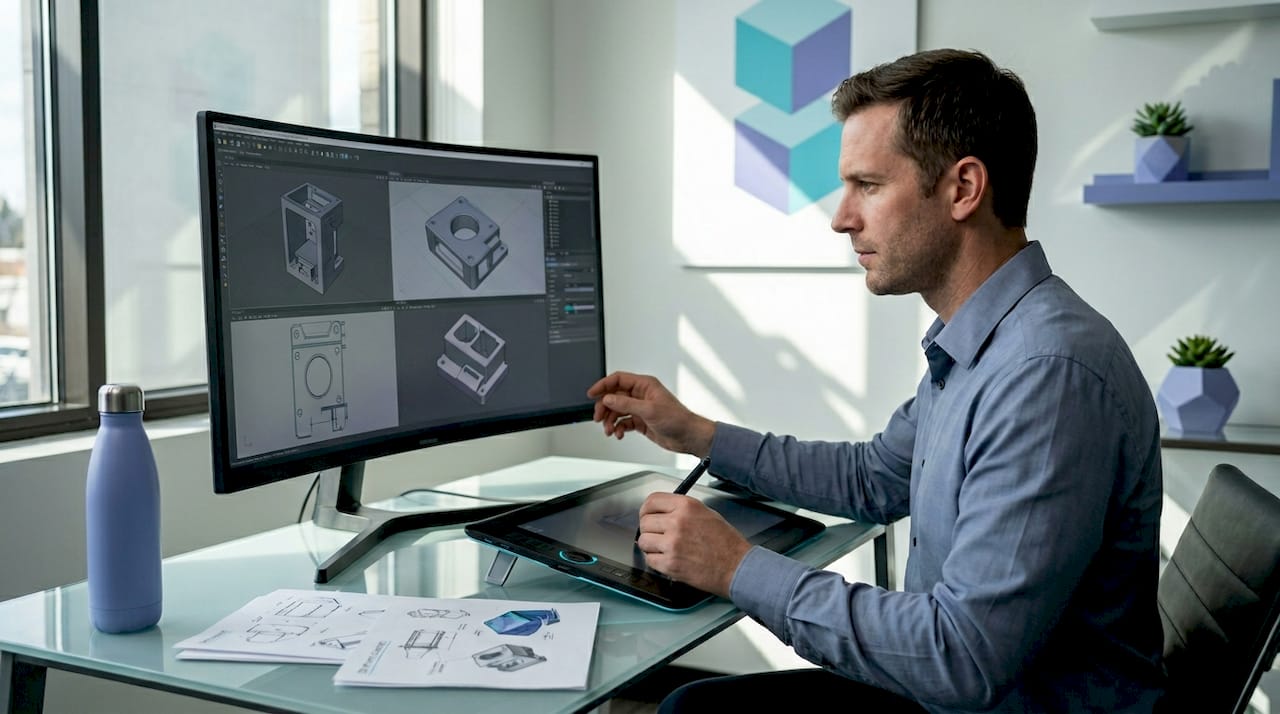
Parametric modeling uses parameters, constraints, and relationships to encode design intent, so every dimension update propagates automatically through the model. This is the defining feature that separates CAD from every other modeling type. Change a hole diameter in one sketch, and every related feature updates without manual intervention.
The top parametric CAD tools in 2026 include:
- Autodesk Fusion 360: Cloud-connected, supports assemblies, simulation, and manufacturing outputs. Free for personal use and startups under a revenue threshold.
- FreeCAD: Fully open-source, strong for mechanical parts, and exports STL, STEP, and 3MF without a paywall.
- SolidWorks: Industry-standard in manufacturing and product development, with deep simulation and tolerance analysis tools.
- Onshape: Browser-based parametric CAD with real-time collaboration, popular in education and distributed teams.
Parametric feature trees preserve relationships across design iterations, while direct modeling edits geometry without history, requiring manual cleanup if constraints change later. For anyone designing functional parts, this trade-off is critical. Parametric history means you can revisit a design six months later and update a single dimension without rebuilding the model from scratch.
Exporting clean STL, 3MF, and STEP files matters because proper export reduces errors during 3D printing or machining. STL is the most common format but carries no print metadata. 3MF includes color, scale, and print settings. STEP is the standard for precision assemblies and is required by most machine shops. Understanding the CAD file formats your downstream process needs should influence which CAD tool you choose from day one.
Pro Tip: If your project requires fit, tolerances, or iterative design revisions, parametric CAD is the only category worth considering. Start with Fusion 360’s free tier before committing to a paid license.
3. Freeform and sculpting software: creativity and organic shapes
Freeform modeling and digital sculpting tools manipulate polygon meshes like digital clay, making them the right choice for characters, miniatures, jewelry, and any model where organic geometry matters more than precise dimensions. These tools prioritize artistic control over mathematical constraint.
Key tools in this category include:
- Blender: Free, open-source, and capable of sculpting, rigging, animation, and rendering in one application. The most widely used free 3D design software in the world.
- ZBrush: The industry standard for high-resolution character sculpting, used in film, games, and collectible figure production.
- Nomad Sculpt: A tablet-based sculpting app that brings ZBrush-level workflows to iPad and Android, popular with hobbyists.
- Autodesk Maya: Excels in character animation and visual effects, used across major entertainment pipelines.
Sculpting tools like Blender and ZBrush manipulate polygon meshes with high-resolution workflows favored by artists and hobbyists. The challenge for 3D printing is that sculpted meshes often contain non-manifold geometry, overlapping faces, or inverted normals that cause print failures. Tools like Meshmixer or the built-in repair functions in PrusaSlicer can fix most issues, but checking mesh integrity before sending a file to print is non-negotiable.
Maya and 3ds Max serve different creative workflows: Maya leads in character animation and effects, while 3ds Max focuses on hard-surface modeling and design visualization. Both are professional-grade Autodesk products used in entertainment pipelines, and neither is a beginner’s starting point. For most hobbyists and independent creators, Blender covers 90% of what these paid tools offer at no cost.
Pro Tip: If you are sculpting miniatures or figurines for 3D printing, work at a higher polygon count than you think you need. Downsampling before export is easier than adding detail after the fact.
4. Hybrid modeling software: combining multiple techniques in one platform
Hybrid tools blend parametric, direct, surface, and mesh modeling into a single environment, reducing the need to export between applications and minimizing context switching for complex projects. This category has grown significantly as manufacturing teams demand concept-to-production workflows without software handoffs.
Autodesk Fusion 360 supports parametric, direct, surface, freeform, and mesh modeling within one platform, integrating concept-to-manufacturing workflows with assemblies and simulation-ready geometry. That breadth is rare. Most CAD tools force you to choose a paradigm and stay in it.
Key advantages of hybrid platforms include:
- Single file environment: No lossy conversions between sculpted mesh and CAD geometry.
- Assembly support: Manage multi-part products with motion constraints and interference checks.
- Simulation and rendering: Test structural loads and produce photorealistic visuals without leaving the application.
- Manufacturing-ready exports: Generate toolpaths, CNC files, and 3D print-ready geometry from the same model.
| Feature | Parametric CAD | Sculpting tools | Hybrid platforms |
|---|---|---|---|
| Design intent history | Yes | No | Yes |
| Organic shape capability | Limited | High | Moderate to high |
| Assembly management | Yes | No | Yes |
| Best for 3D printing | Functional parts | Artistic models | Both |
| Free tier available | Fusion 360, FreeCAD | Blender, Nomad Sculpt | Fusion 360 |
Many software tools blur categories in practice, combining mesh and CAD tools to reduce context switching and improve team collaboration. For multi-disciplinary teams where an industrial designer and a mechanical engineer share the same file, hybrid platforms are not a convenience. They are a requirement.
5. How to choose the best 3D modeling software for your project
Matching software to your project type is the primary decision criterion: use parametric CAD for mechanical parts, sculpting tools for organic models, and hybrid platforms for projects that require both. Everything else, including price, learning curve, and platform support, is secondary to this alignment.
Use this comparison to guide your decision:
| Software | Type | Best use | Cost | User level |
|---|---|---|---|---|
| Autodesk Fusion 360 | Hybrid | Prototypes, assemblies | Free/paid | Intermediate |
| Blender | Sculpting/animation | Art, characters, film | Free | Beginner to pro |
| ZBrush | Sculpting | Characters, miniatures | Paid | Intermediate to pro |
| FreeCAD | Parametric CAD | Mechanical parts | Free | Beginner to intermediate |
| SolidWorks | Parametric CAD | Engineering, manufacturing | Paid | Professional |
| Onshape | Parametric CAD | Collaboration, education | Free/paid | Beginner to pro |
| Nomad Sculpt | Sculpting | Tablet-based art | Paid | Beginner to intermediate |
Learning curve matters more than most buyers admit. Blender has a steep initial ramp but a massive free tutorial library on YouTube and platforms like CG Cookie. SolidWorks is intuitive for engineers but expensive without an institutional license. For beginners and hobbyists, the best fit depends more on workflow friction and software ecosystem than the modeling type label alone.
Budget is a real constraint. Blender and FreeCAD are fully free. Fusion 360 offers a personal-use free tier with export limitations. SolidWorks and ZBrush require paid licenses that run into hundreds or thousands of dollars annually. Before committing to a paid tool, spend two weeks with the free version or free trial. Most paid tools offer 30-day trials, and that is enough time to know whether the workflow fits your thinking.
Pro Tip: Export format support should be a hard filter in your decision. If your manufacturer requires STEP files and your chosen software only exports STL, you will hit a wall before your first production run. Check the 3D modeling process your downstream partner requires before selecting software.
Key takeaways
The right type of 3D modeling software is determined by your project’s geometry requirements, not by brand reputation or feature count.
| Point | Details |
|---|---|
| Match type to project | Use parametric CAD for functional parts, sculpting for organic models, and hybrid tools for complex multi-discipline projects. |
| Free tools are capable | Blender and FreeCAD cover most hobbyist and intermediate professional needs without a paid license. |
| Export format is critical | STL, 3MF, and STEP each serve different downstream purposes; confirm your manufacturer’s requirements before modeling. |
| Hybrid platforms reduce handoffs | Tools like Fusion 360 combine multiple modeling paradigms, eliminating lossy file conversions between applications. |
| Try before committing | Most paid tools offer free tiers or 30-day trials; two weeks of hands-on use reveals workflow fit faster than any feature comparison. |
Why I think most people pick the wrong software first
I have watched this pattern repeat more times than I can count. Someone decides they want to 3D print a custom enclosure for an electronics project. They search “best 3D modeling software,” see Blender at the top of every list, download it, and spend three weeks learning sculpting workflows that are completely wrong for a box with precise screw holes and snap-fit tolerances. Blender can do parametric-style modeling, but it is not built for it. The frustration is not a skill problem. It is a category mismatch.
The same mistake happens in reverse. An artist wants to print a dragon figurine, downloads FreeCAD because it is free, and immediately hits a wall trying to model organic curves with a tool designed for mechanical constraints. Neither person failed. They just started in the wrong category.
My honest advice: ignore the “best software” rankings until you have answered one question. Is your model primarily defined by dimensions and constraints, or by shape and form? That single answer points you to parametric CAD or sculpting tools, and from there the specific software choice is a much smaller decision.
The trend worth watching in 2026 is AI-assisted geometry generation. Tools like Autodesk’s generative design features and emerging AI sketch-to-3D tools are beginning to blur the lines between categories further. They will not replace deliberate modeling workflows for precision parts, but they will dramatically lower the barrier for concept modeling and early-stage ideation. If you are choosing software now, pick a platform that is actively investing in these capabilities.
— Justin
Bring your 3D models to life with Cc3dlabs
Once you have chosen your modeling software and built a print-ready file, the next step is finding a printing partner who can match the precision your model demands. Cc3dlabs, located near Philadelphia, specializes in custom filament-based 3D printing and metrology-grade scanning for prototypes, functional parts, and batch production runs.

Whether you designed a mechanical assembly in Fusion 360 or sculpted a detailed figurine in ZBrush, Cc3dlabs offers multi-color printing, CAD support, and fast turnaround for both local pickup and international shipping. Their team also provides 3D scanning services to digitize physical objects into print-ready models. Explore the full range of professional printing services and get a free online estimate for your next project.
FAQ
What are the main types of 3D modeling software?
The three main types are parametric CAD, freeform sculpting, and hybrid platforms. Each serves a different project type: CAD for precision parts, sculpting for organic shapes, and hybrids for workflows that require both.
Which 3D modeling software is best for beginners?
Blender is the most accessible free option for artistic modeling, while FreeCAD and Fusion 360’s free tier work well for beginners focused on mechanical or functional parts. The best starting point depends on whether your project is shape-driven or dimension-driven.
What is the difference between parametric and direct modeling?
Parametric modeling uses a feature history tree so dimension changes update the entire model automatically. Direct modeling edits geometry without history, which is faster for quick shape changes but requires manual fixes if design rules change later.
What file format should I export for 3D printing?
Export format choice directly affects print success: STL is the most common but carries no metadata, 3MF includes print settings and color, and STEP is required for precision assemblies and CNC machining. Confirm your printer or manufacturer’s requirements before exporting.
Is there good free 3D design software available in 2026?
Blender, FreeCAD, and Fusion 360’s personal-use tier are all capable free options in 2026. Blender covers sculpting and animation, FreeCAD handles mechanical CAD, and Fusion 360 free supports parametric and hybrid modeling with some export restrictions.